
Looking for a colleague, a desk or a meeting room? This article shows you how to use search to find people, departments, desks, pins and locations in one place.
Search
-
Click Search for… at the top of any page. You can also press Ctrl+K (Cmd+K on a Mac).
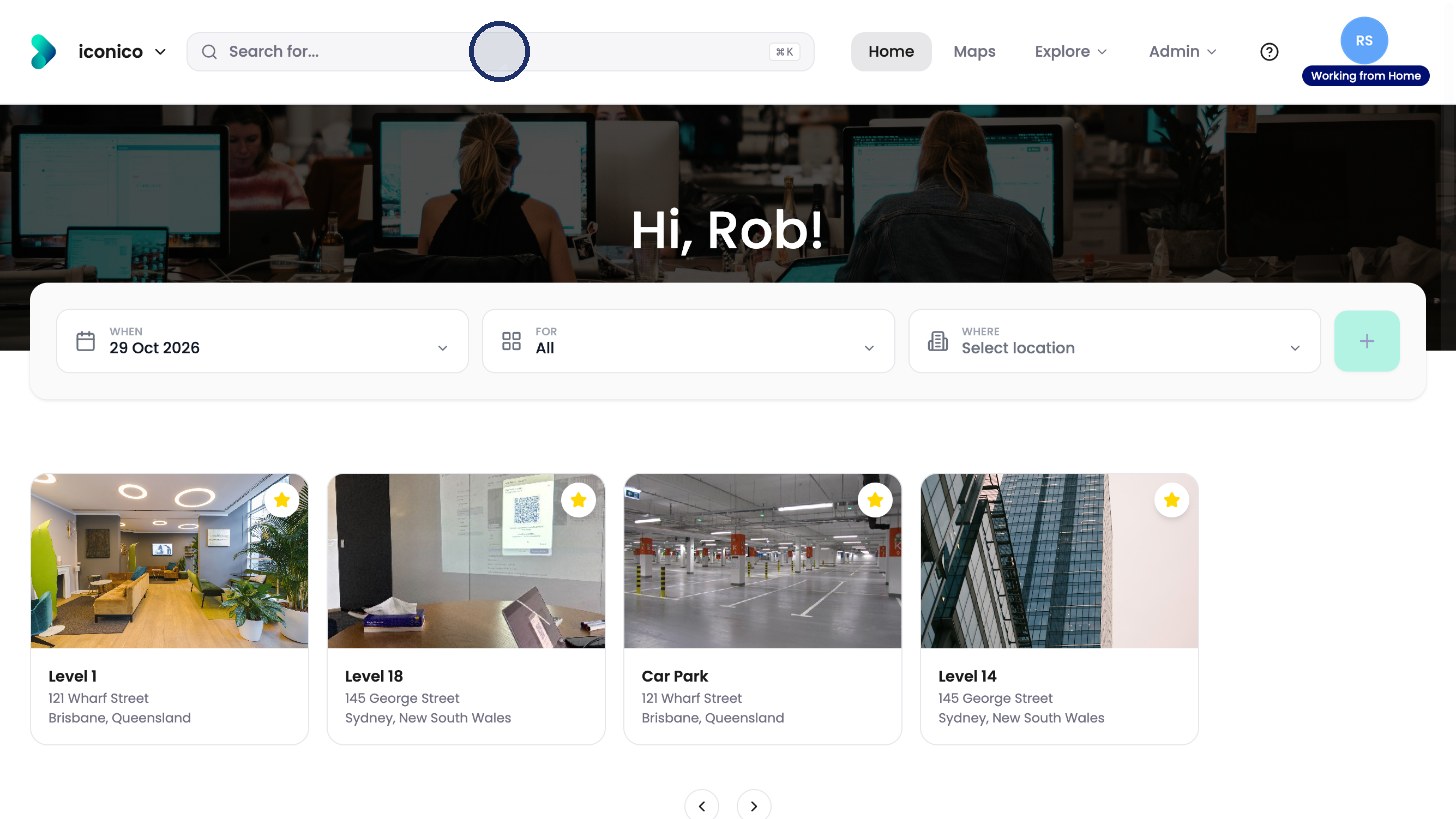
Click Search for… at the top. 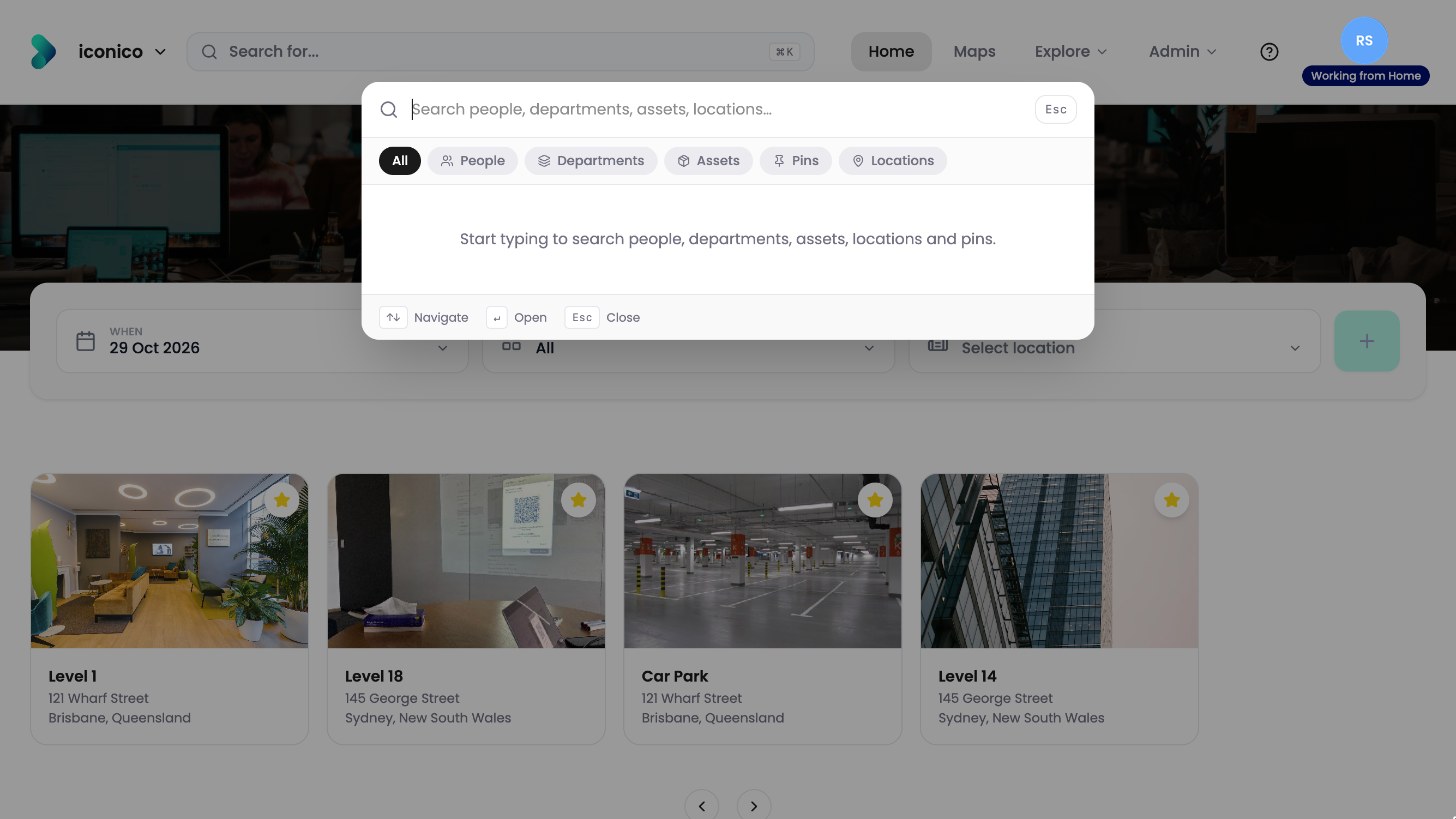
Search covers people, departments, assets, pins and locations. -
Start typing. Results appear straight away, with where each person sits today.
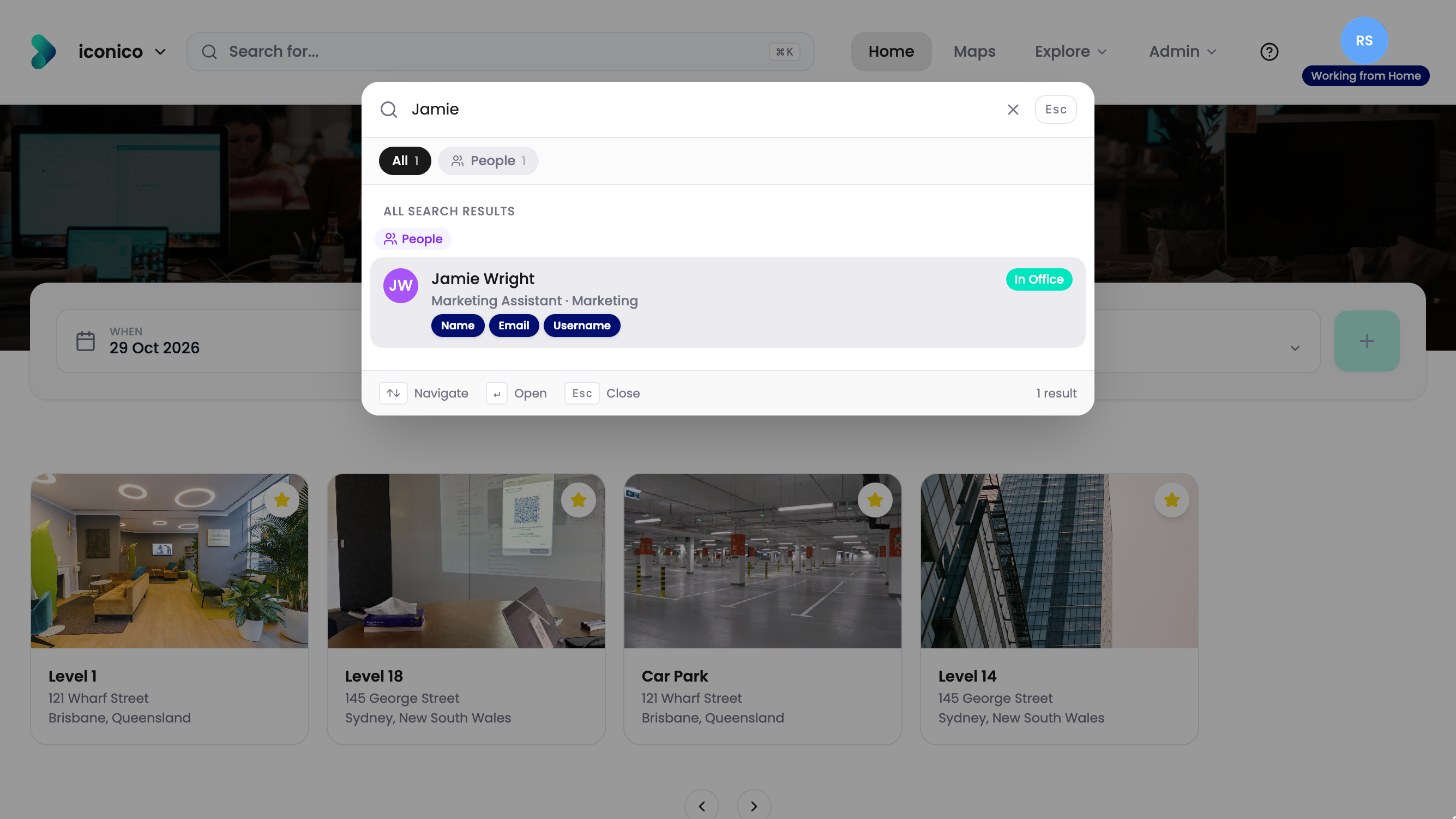
Results appear as you type. -
Use the buttons at the top to narrow the results to one type.
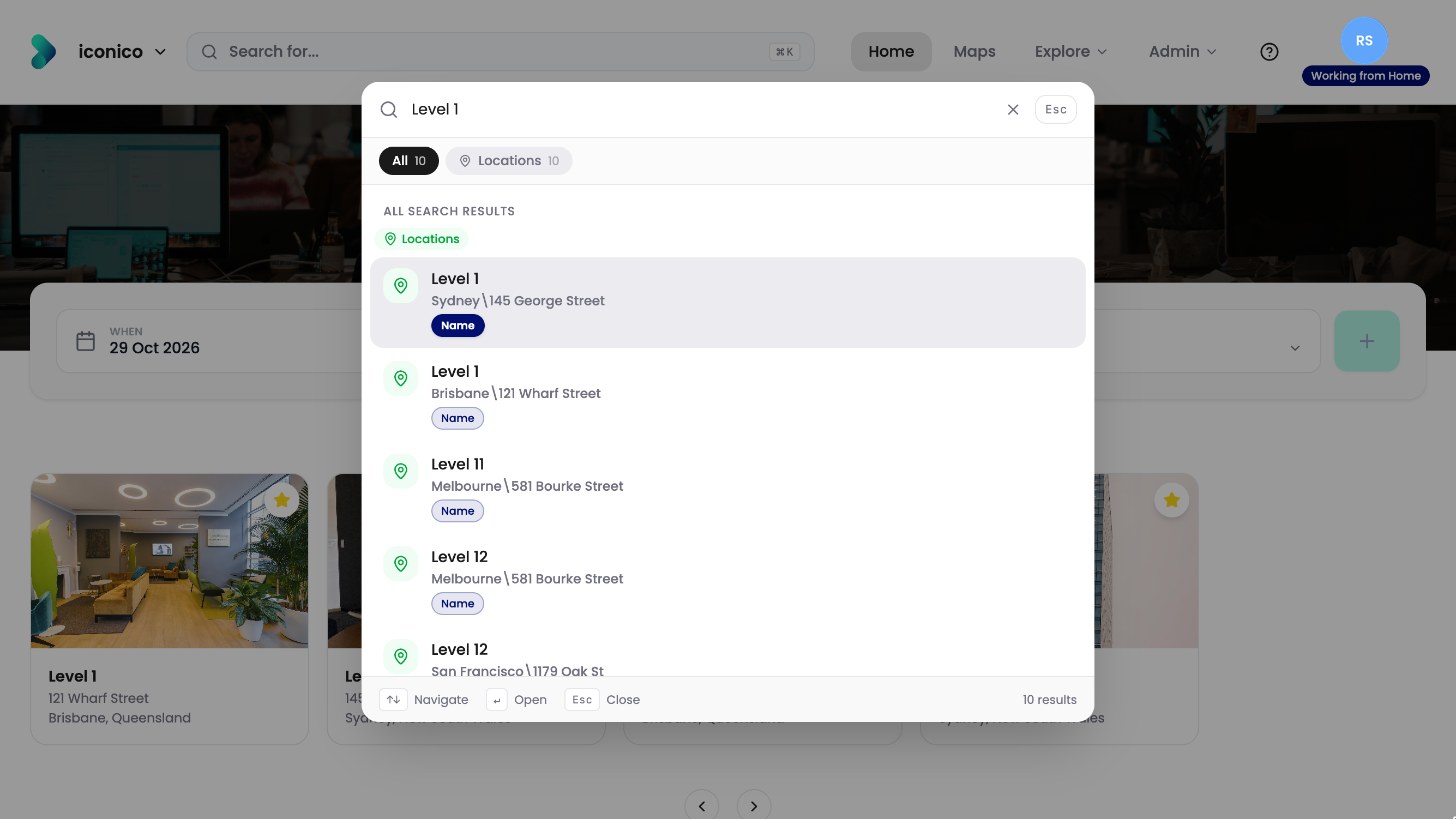
Searching for a location. -
Click a result to open it.
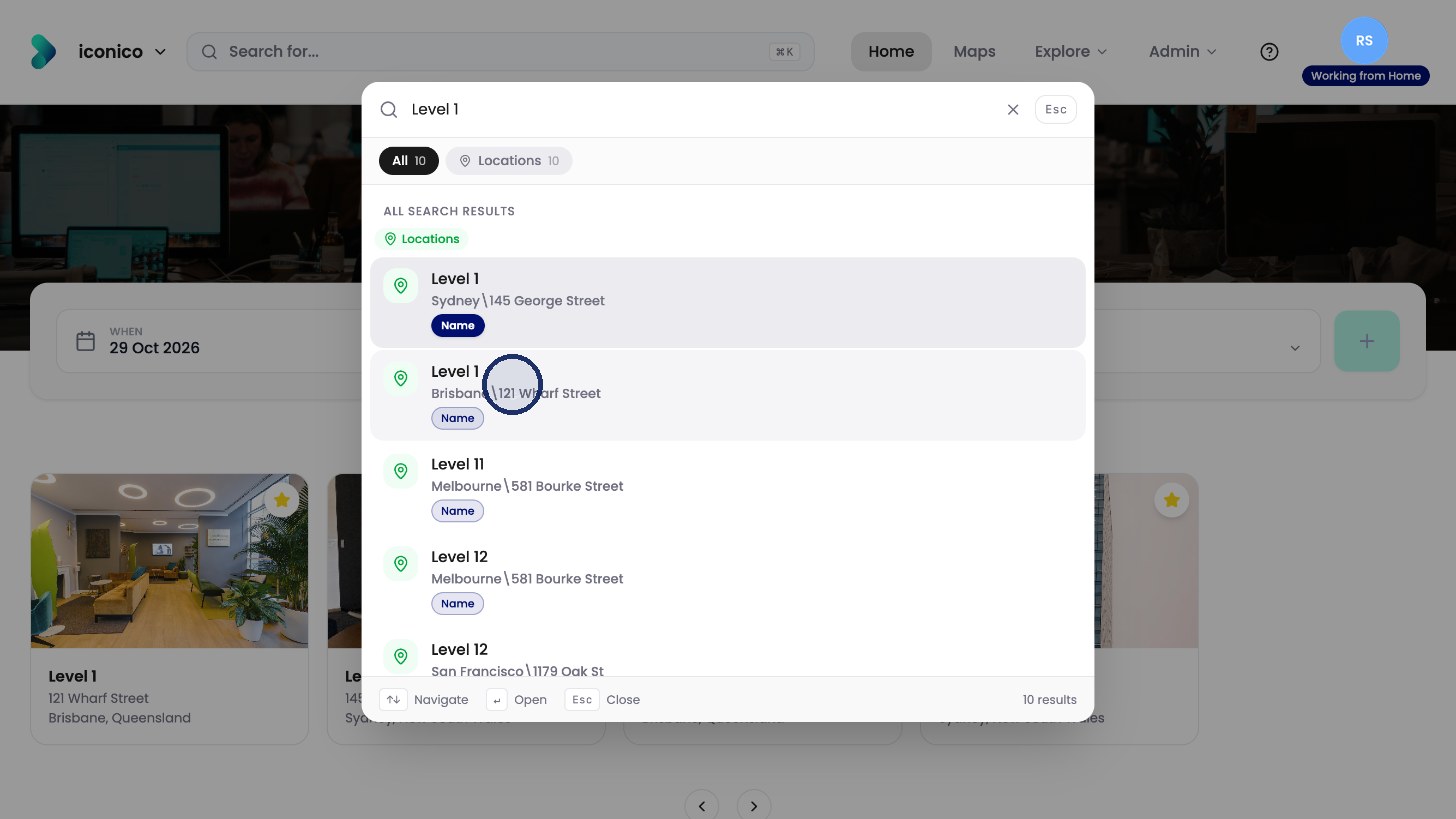
Click a result to open it.