
Want your colleagues to know whether you're in the office, working from home or on leave? This article shows you how to set your status, see your profile and plan your workdays.
Set your status
-
Click your picture at the top right.
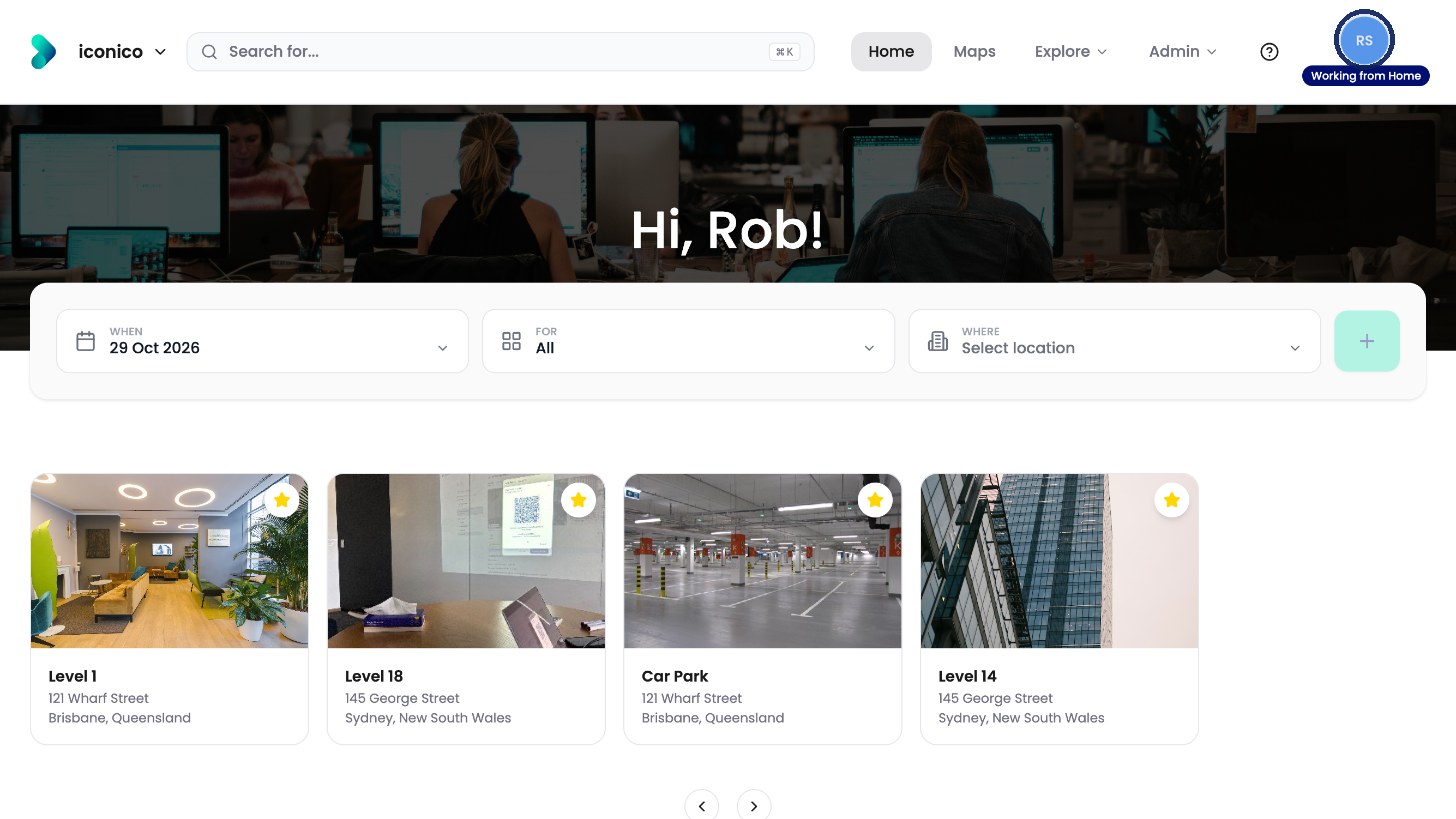
Click your picture at the top right. -
Click Set Status.
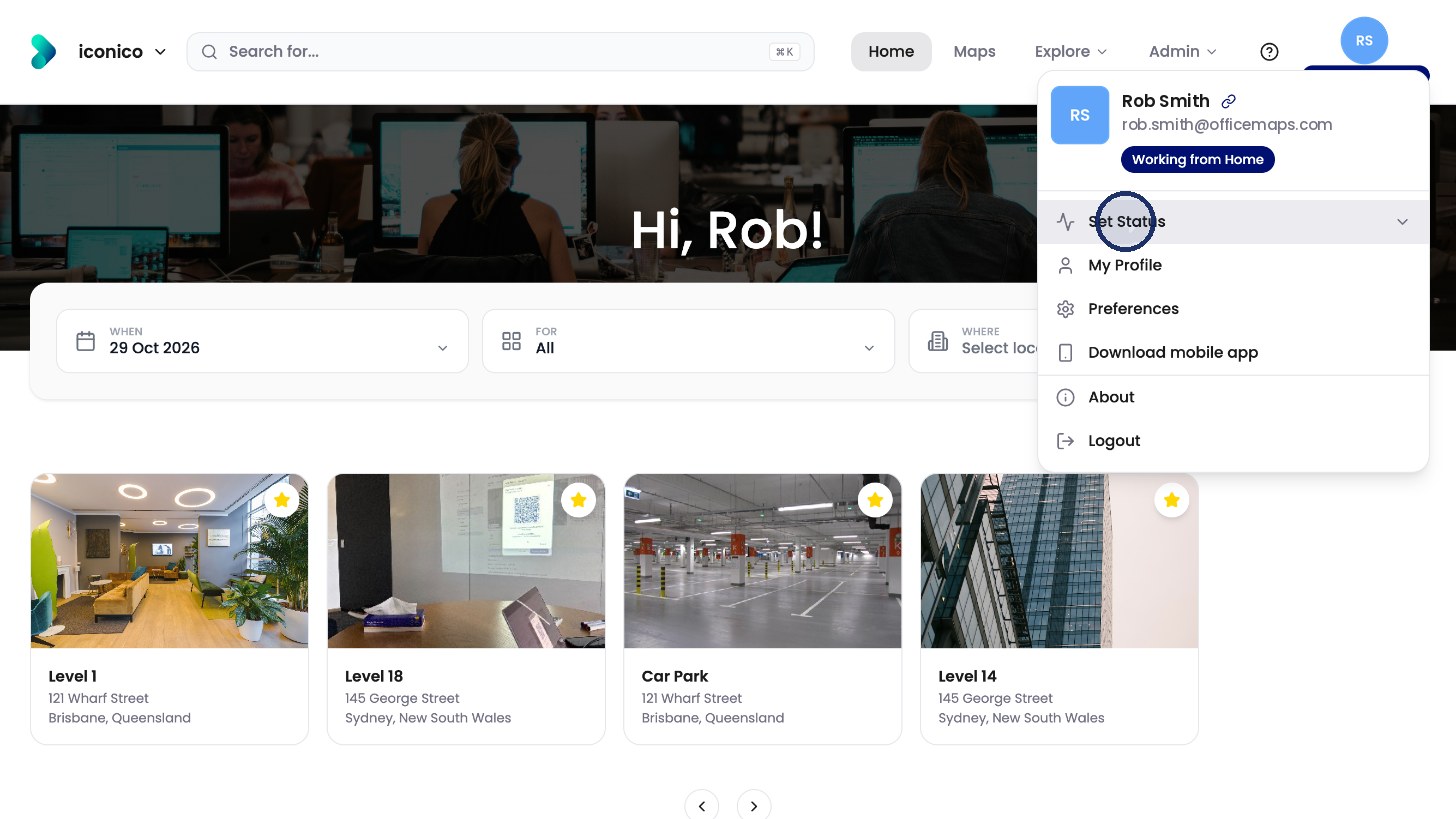
Click Set Status. -
Choose a status, such as Working in Office, Working from Home or Travelling.
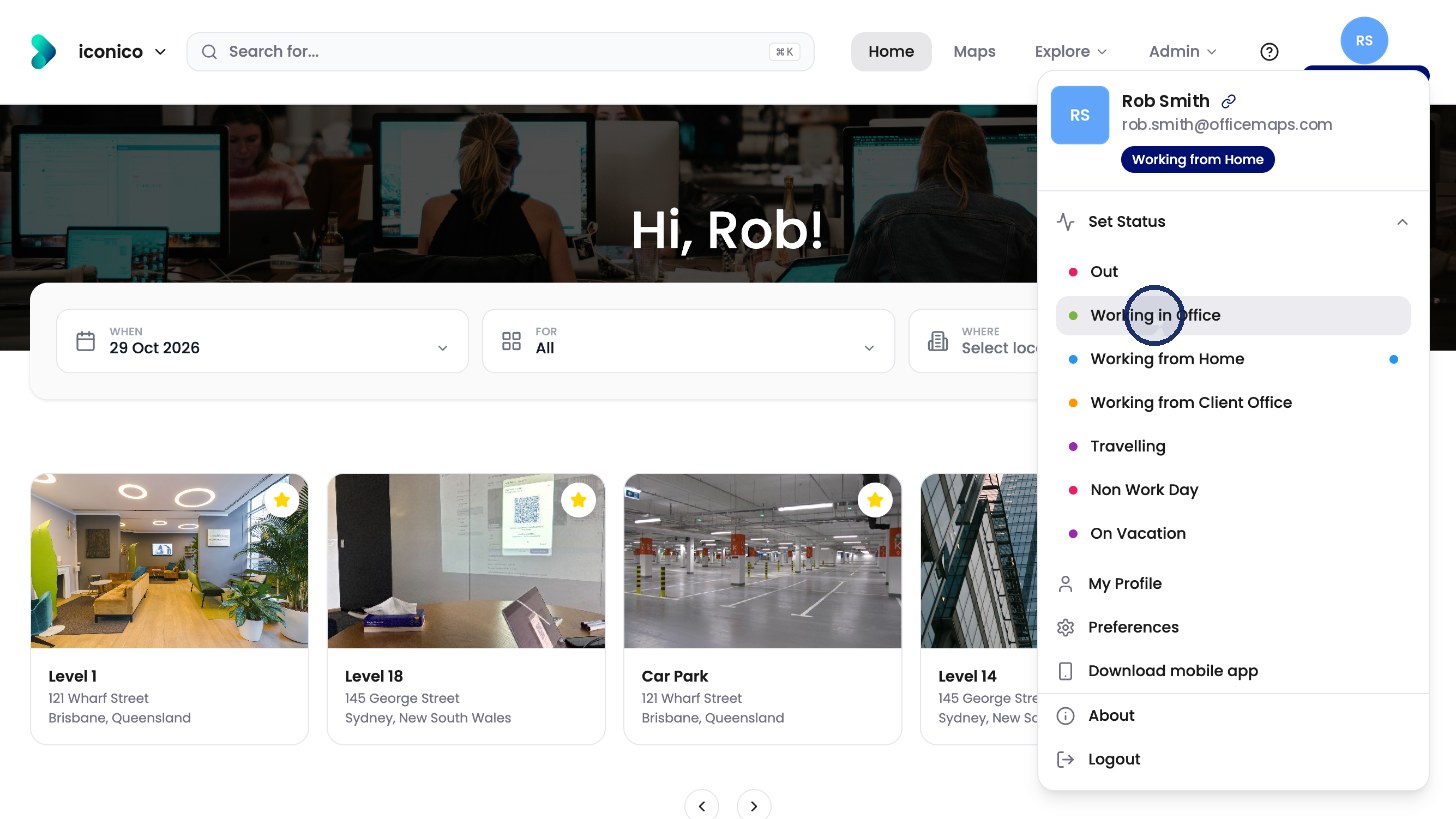
Choose a status. -
Add an end date or a message if you like, then click Apply.
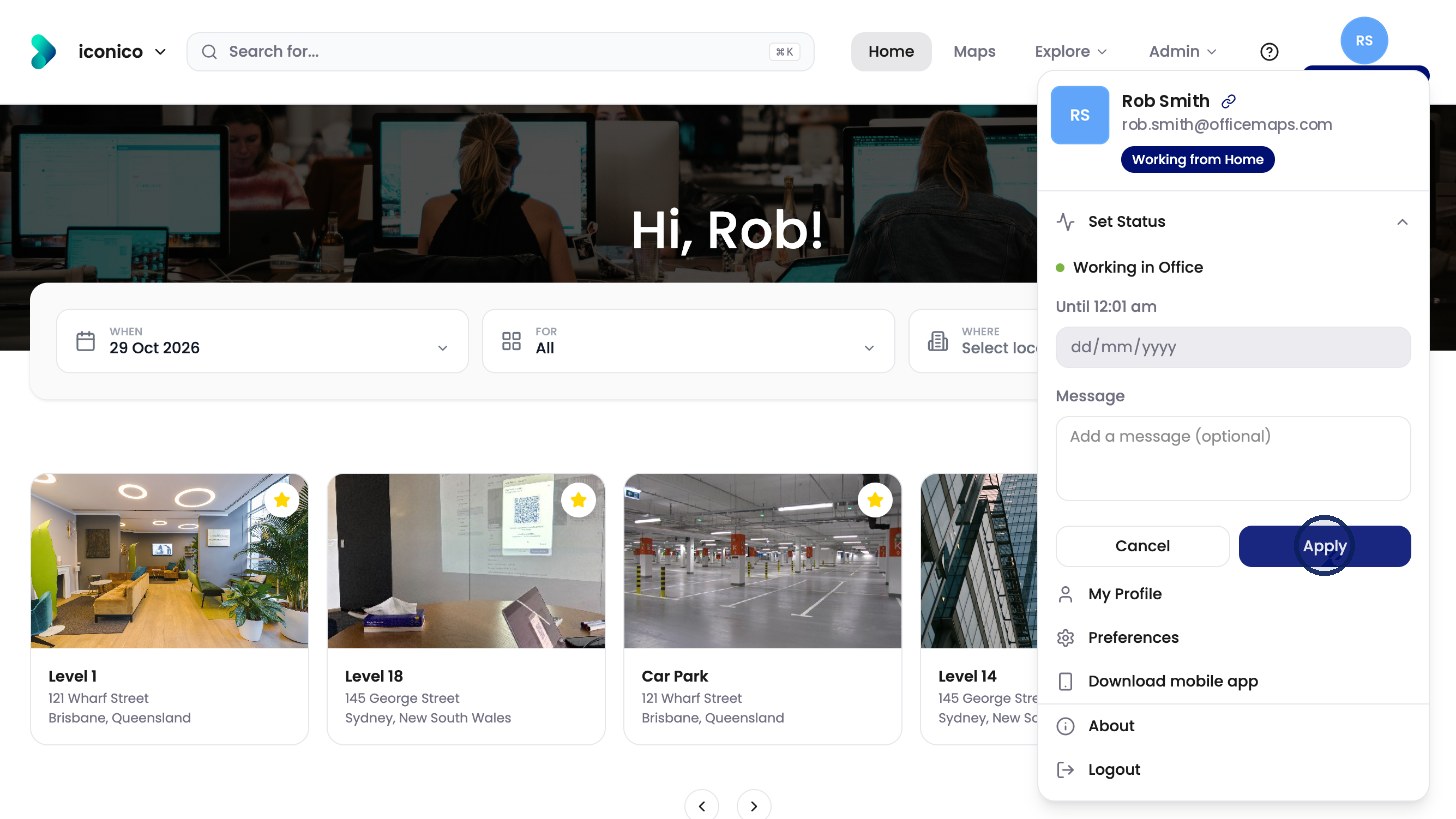
Click Apply.
Your profile
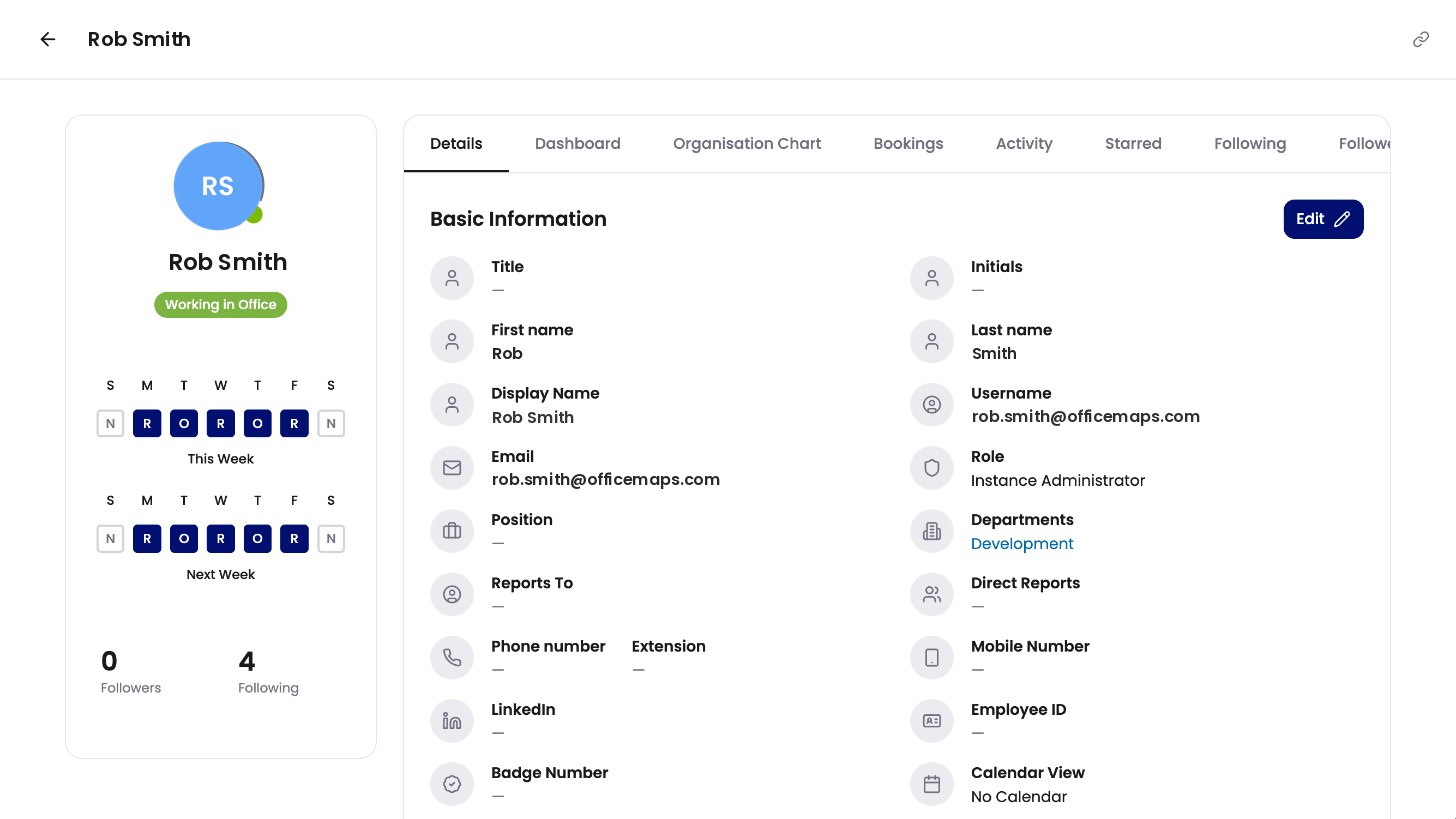
Click My Profile in the same menu to see your details, bookings, activity and who you follow.
Your workday plan
-
Click Preferences in the menu.
-
Click a day to switch it between O (Office), R (Remote) and N (Non-workday). The plan covers two weeks, which repeat.
-
Click Save Preferences.
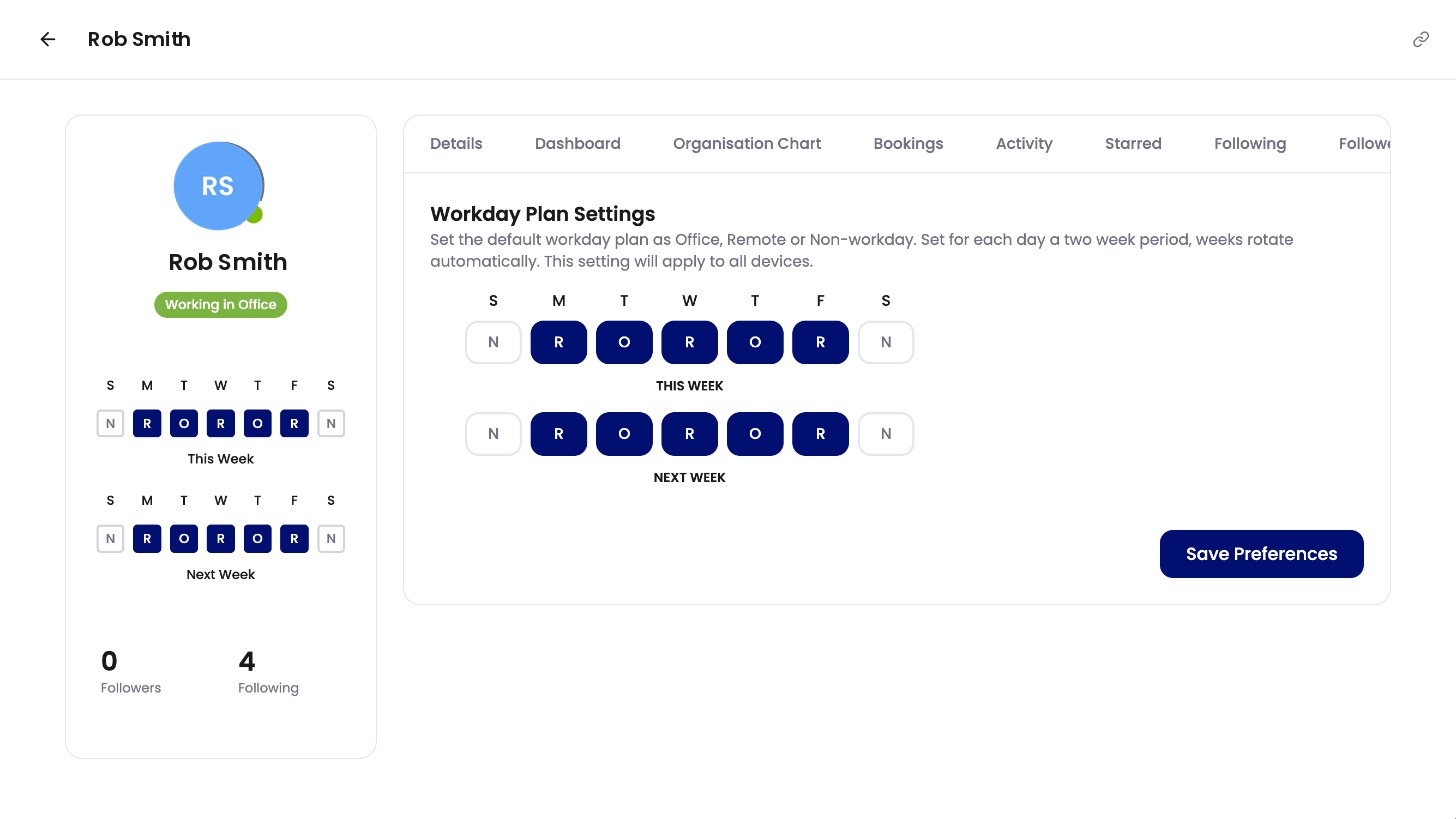
Workday Plan Settings. 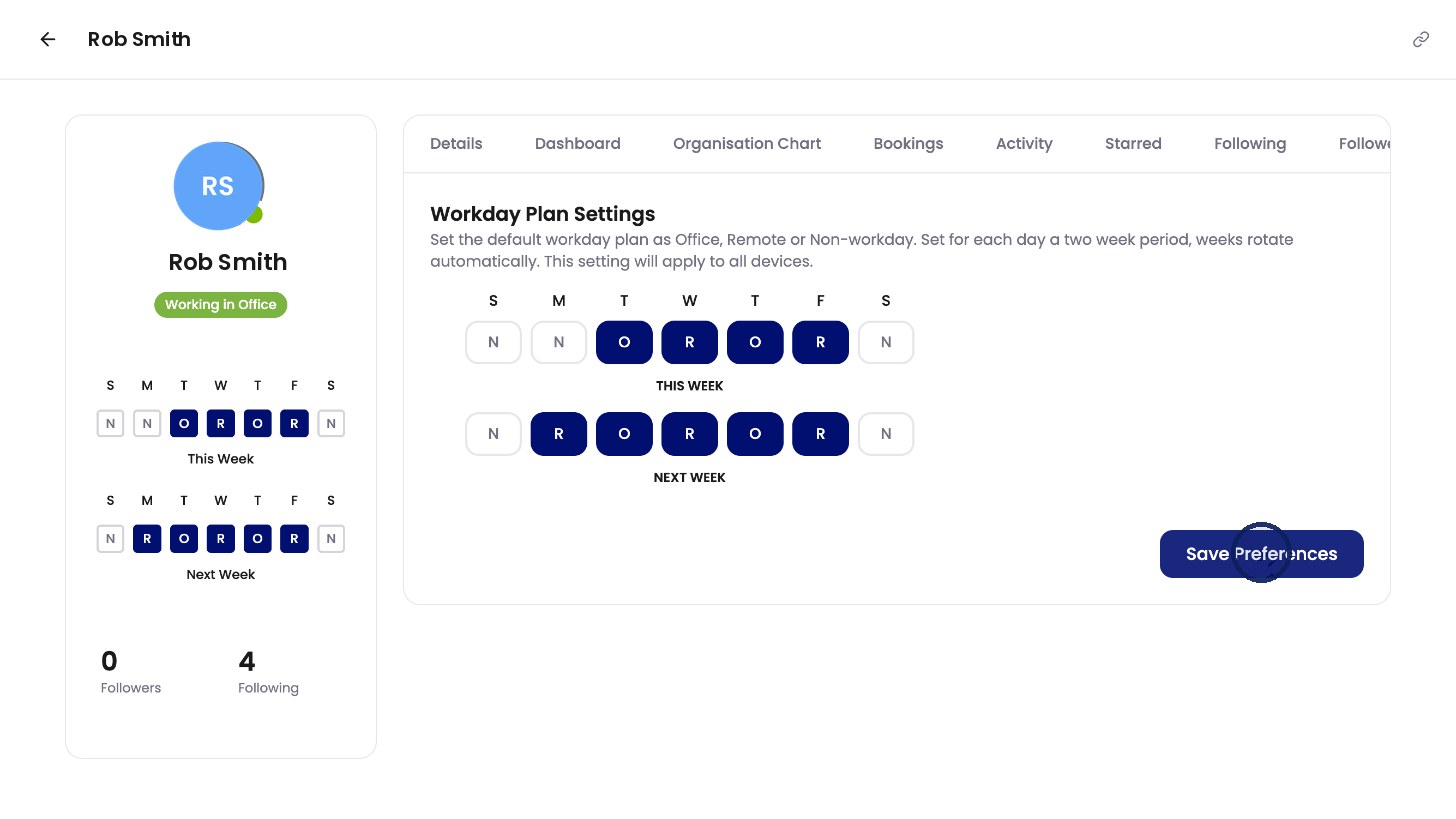
Click Save Preferences.