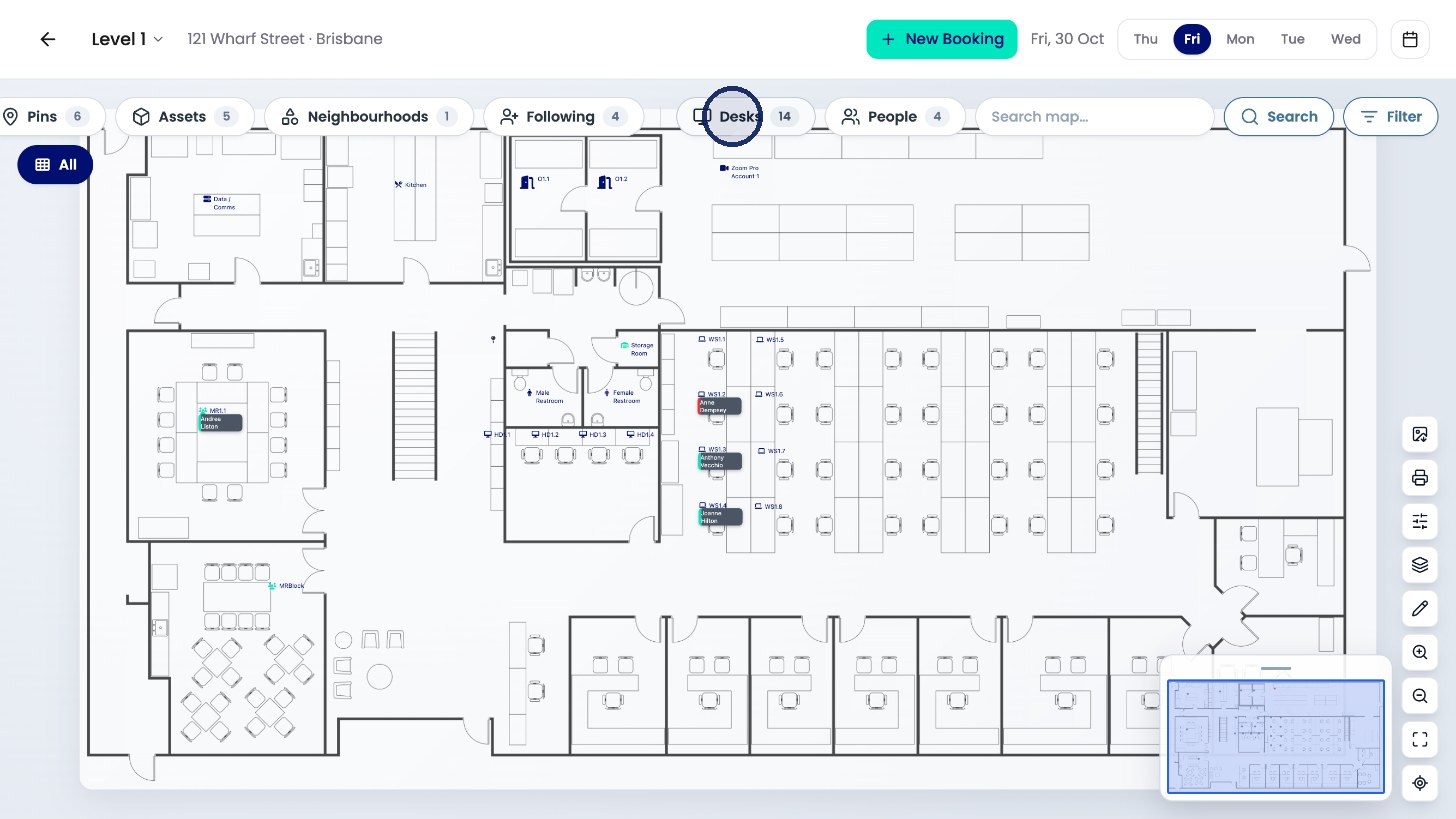
Want to see who's sitting where, or find a free desk on a floor? This article shows you how to use the floorplan: look at another day, search the floor and filter what's shown.
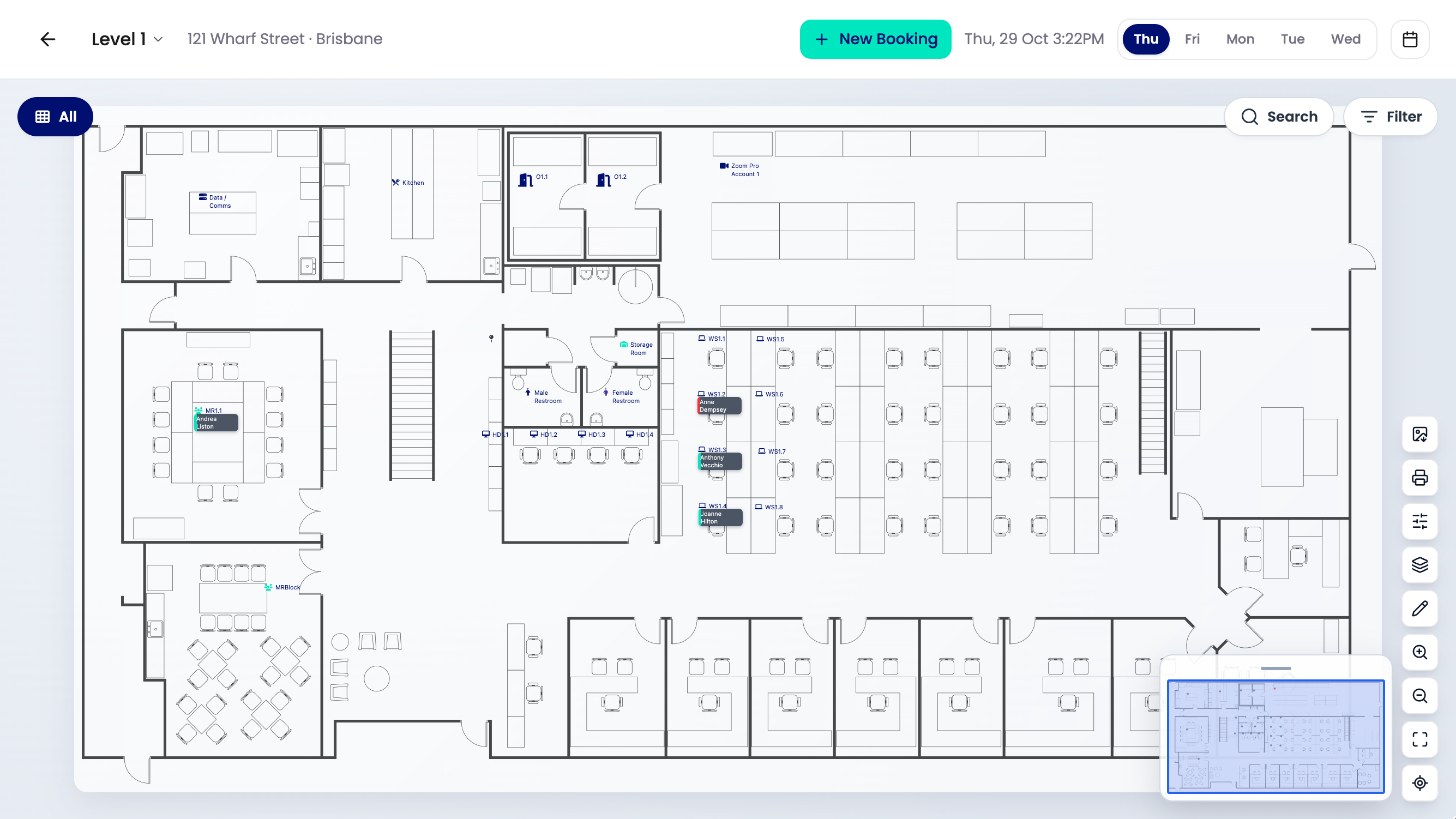
See another day
Use the day buttons at the top to see another day, or the calendar to pick any date.
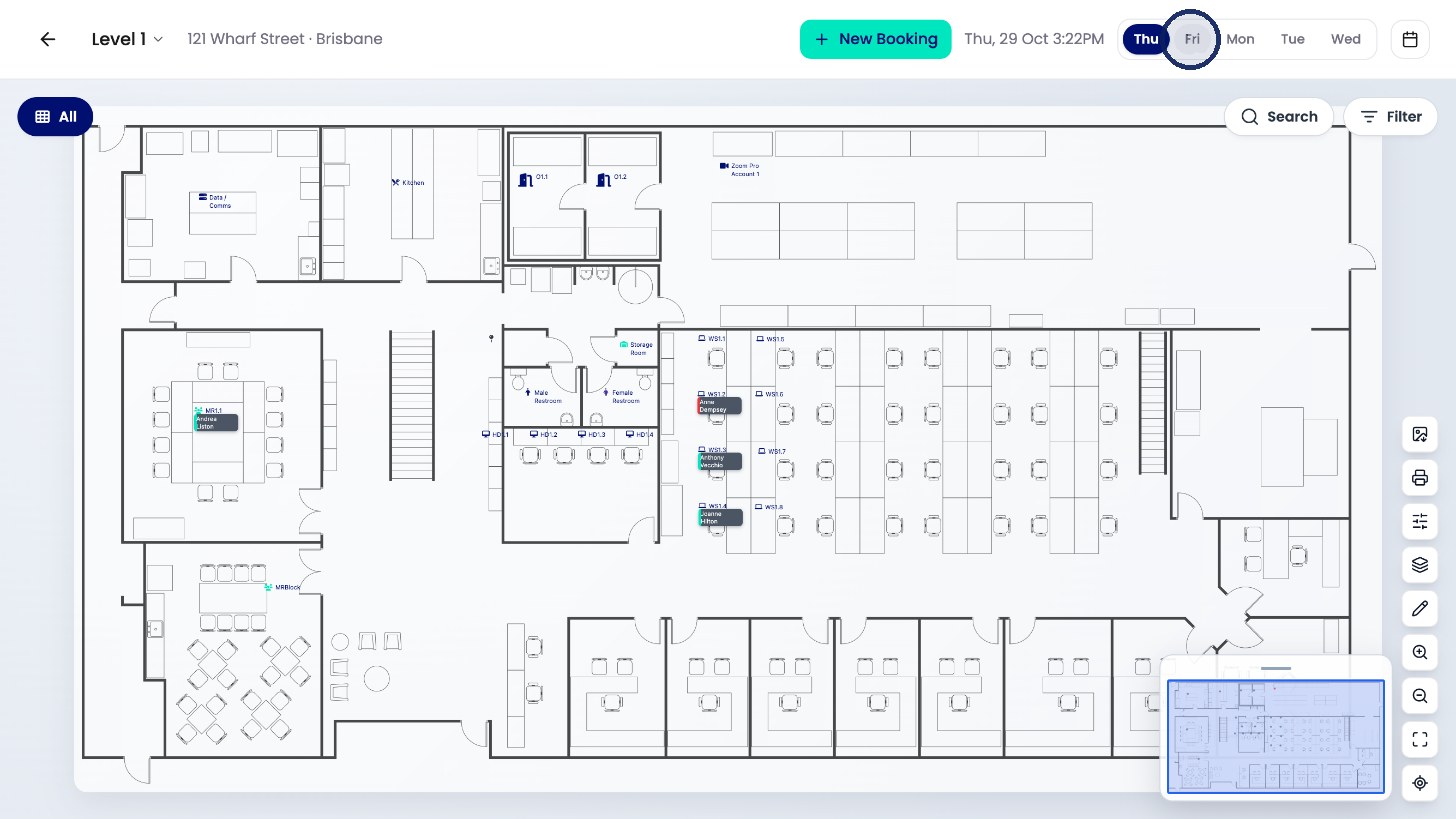
Search the floor
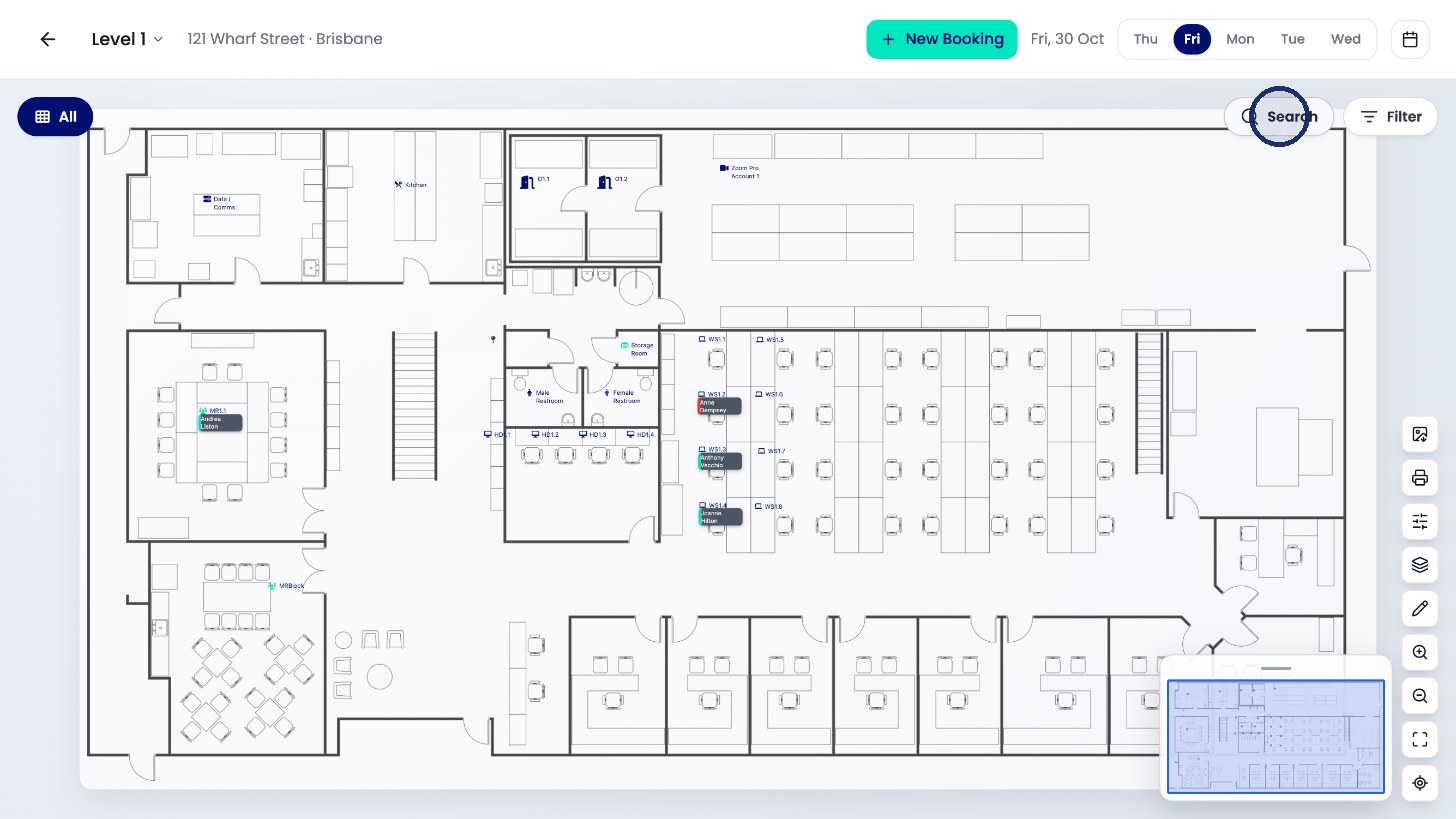
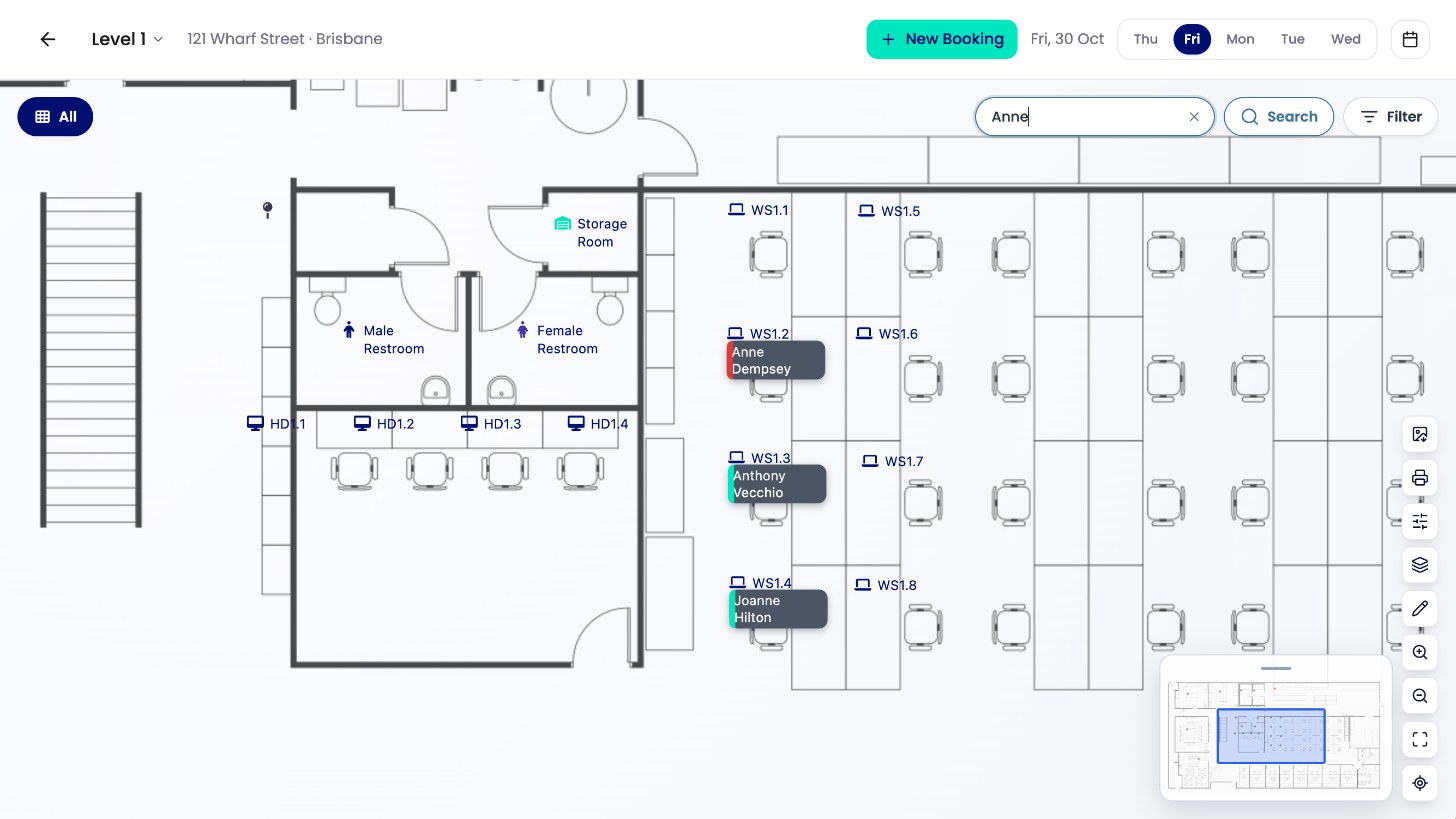
Click Search to find a person, desk or room. The map zooms straight to it.
Filter
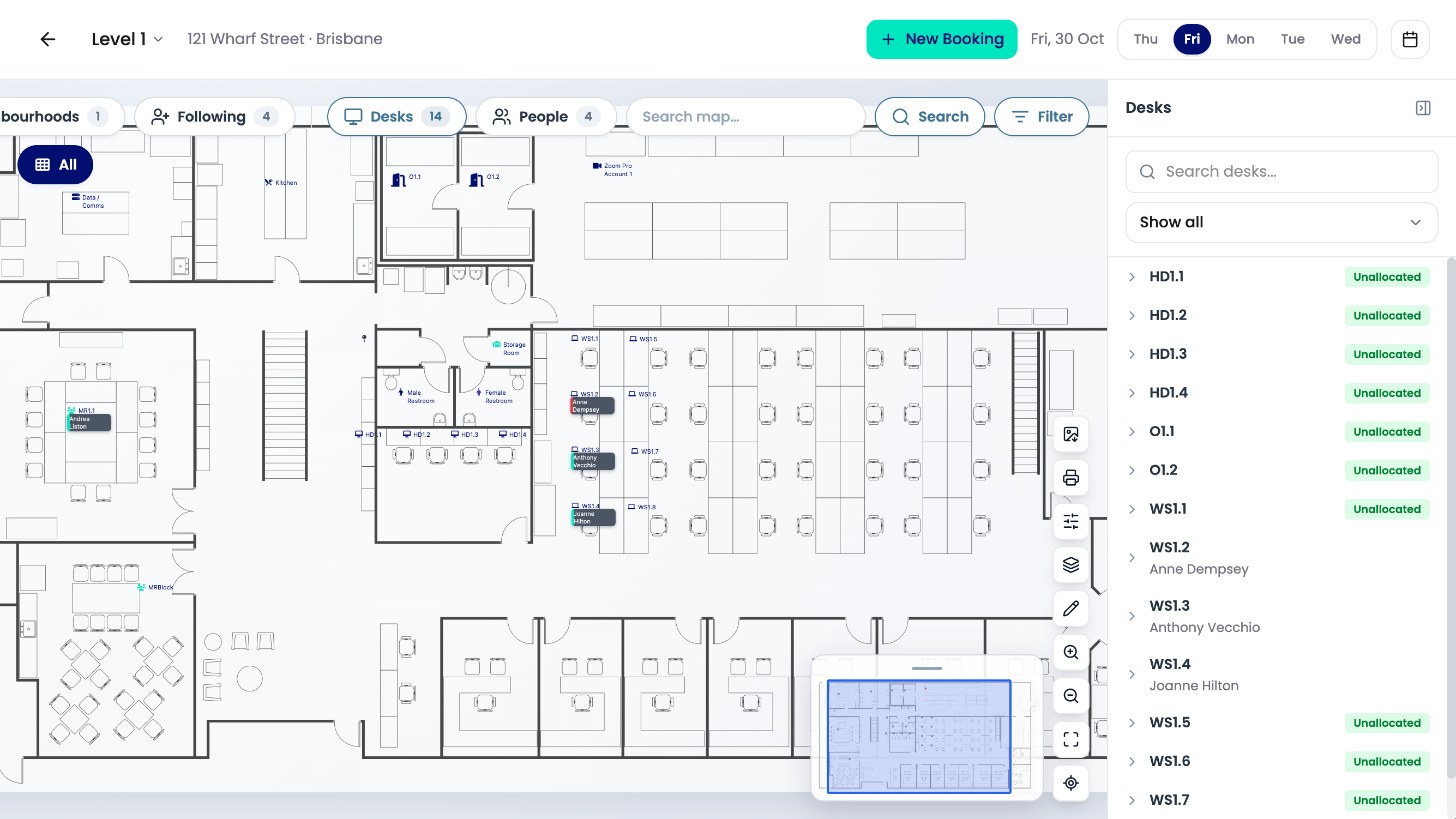
Click Filter to show quick buttons for pins, assets, neighbourhoods, people you follow, desks and people.
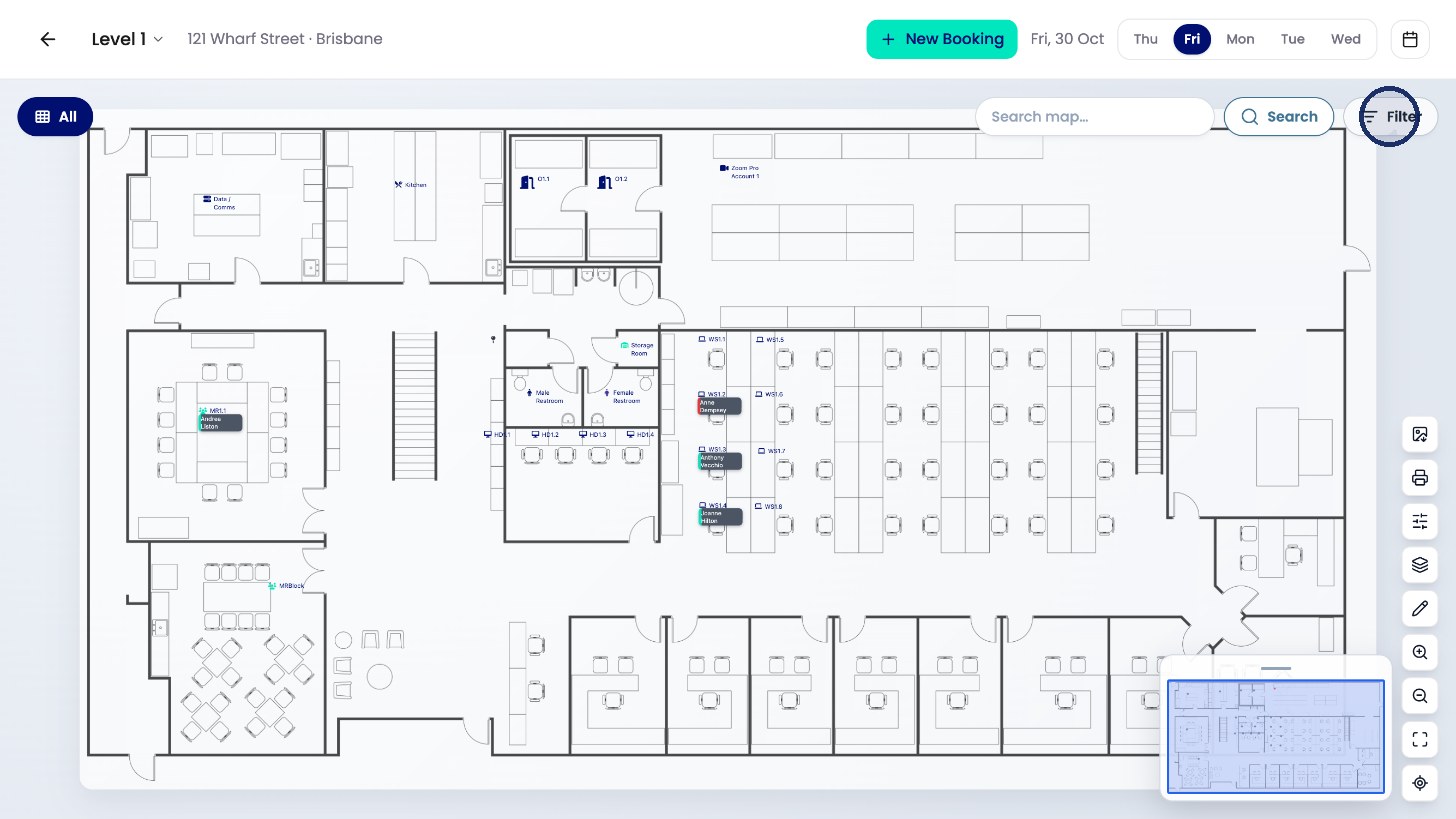
Click one to list them, for example every desk on the floor and who it’s allocated to.