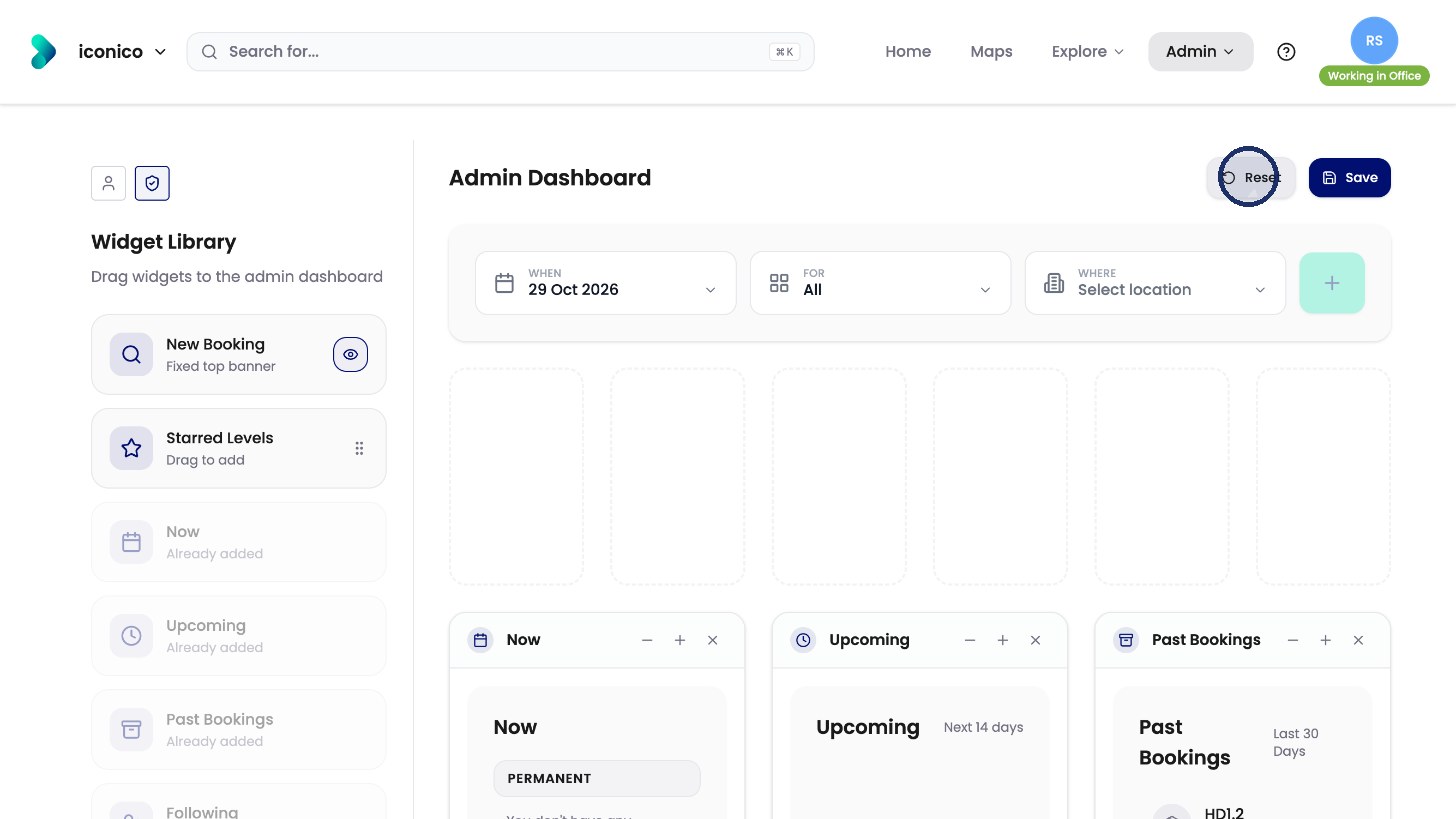
Want to choose which widgets appear on everyone's Home screen? This article shows you how to rearrange the Home Dashboard for your whole organisation, save it, or reset it to the default.
Note: Saved changes apply to every user’s Home screen straight away.
Open Home Dashboard
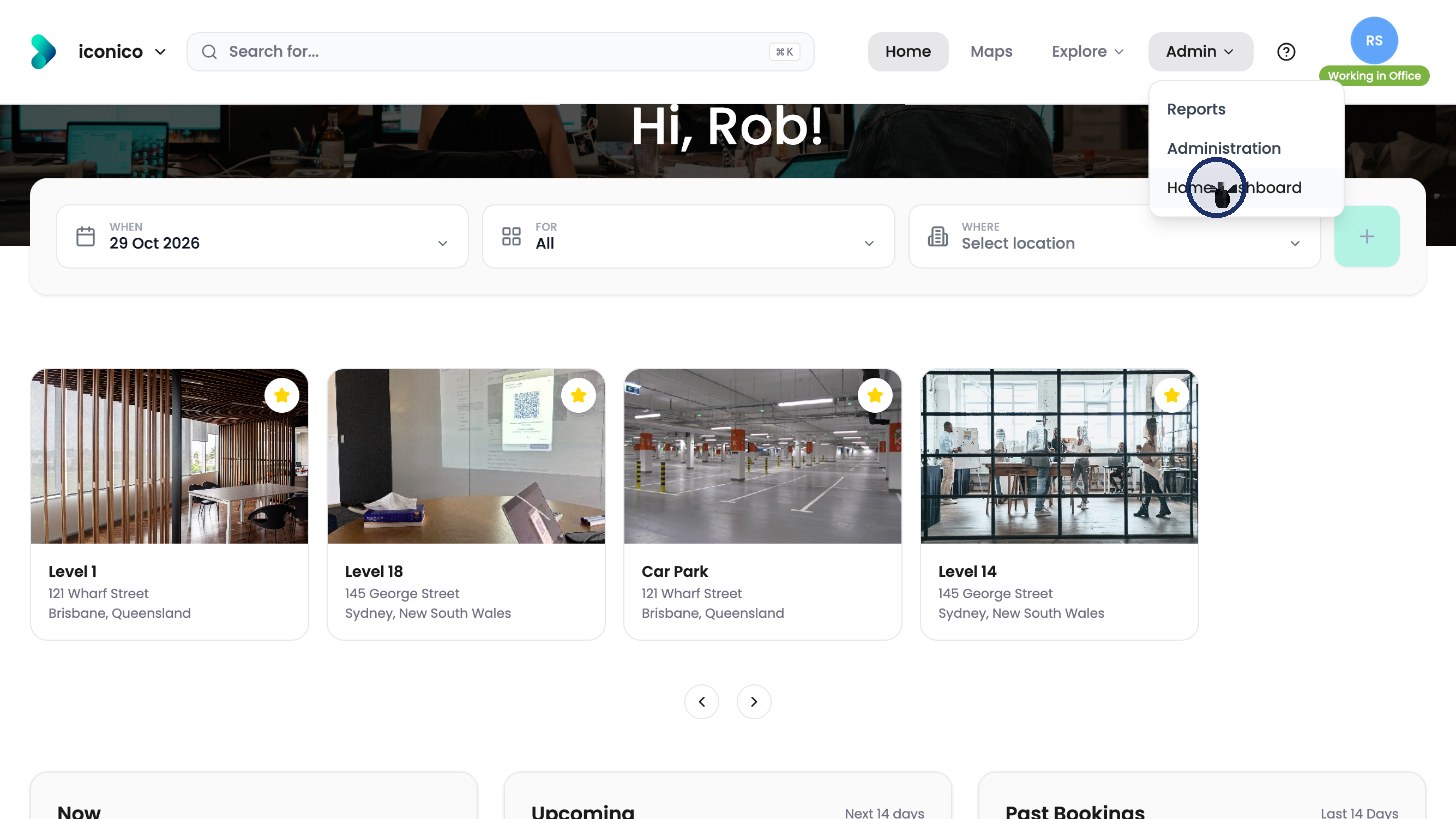
Click Admin in the top menu, then Home Dashboard.
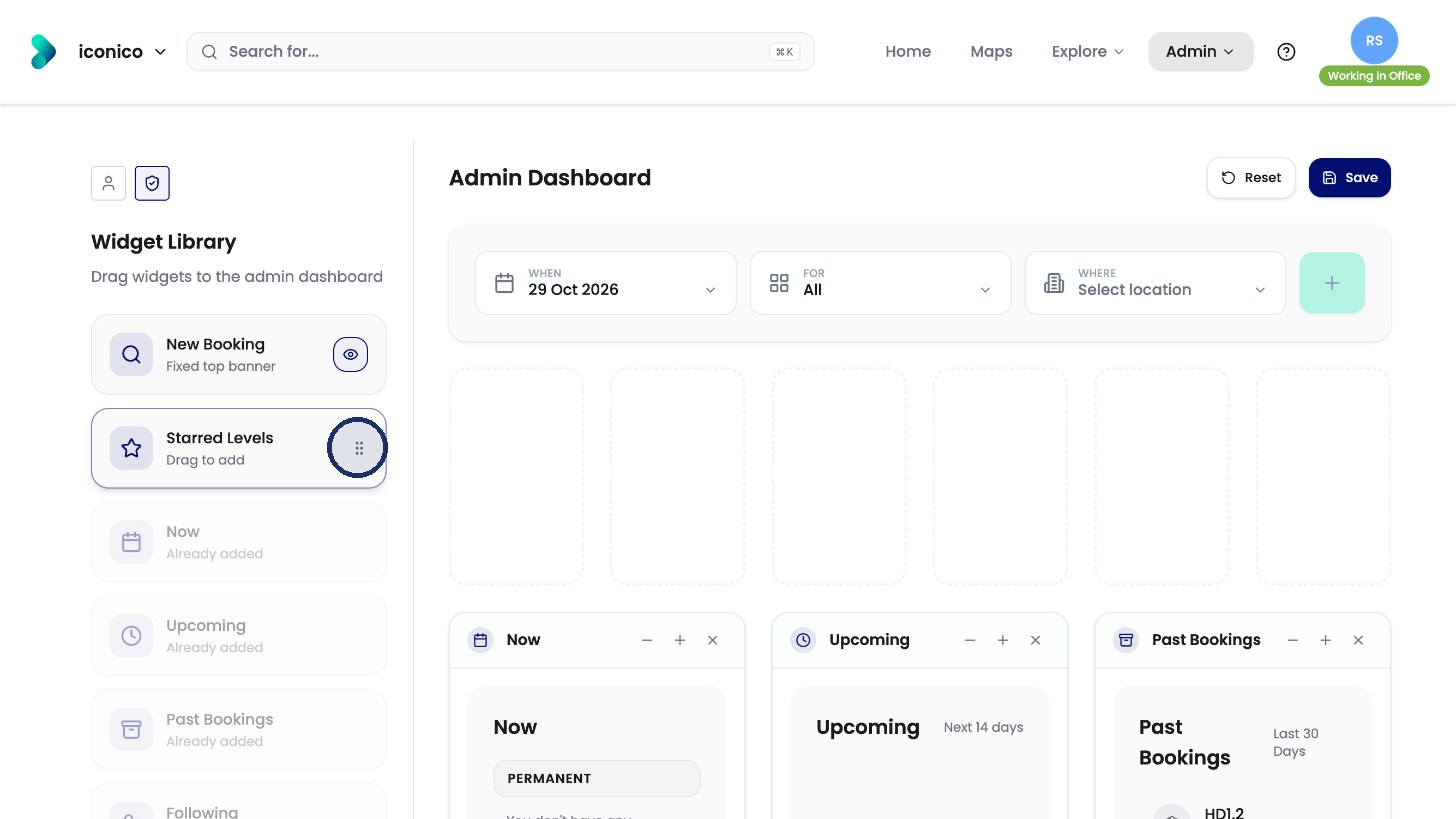
The Widget Library on the left lists every widget. Widgets already on the Home screen are greyed out and marked Already added.
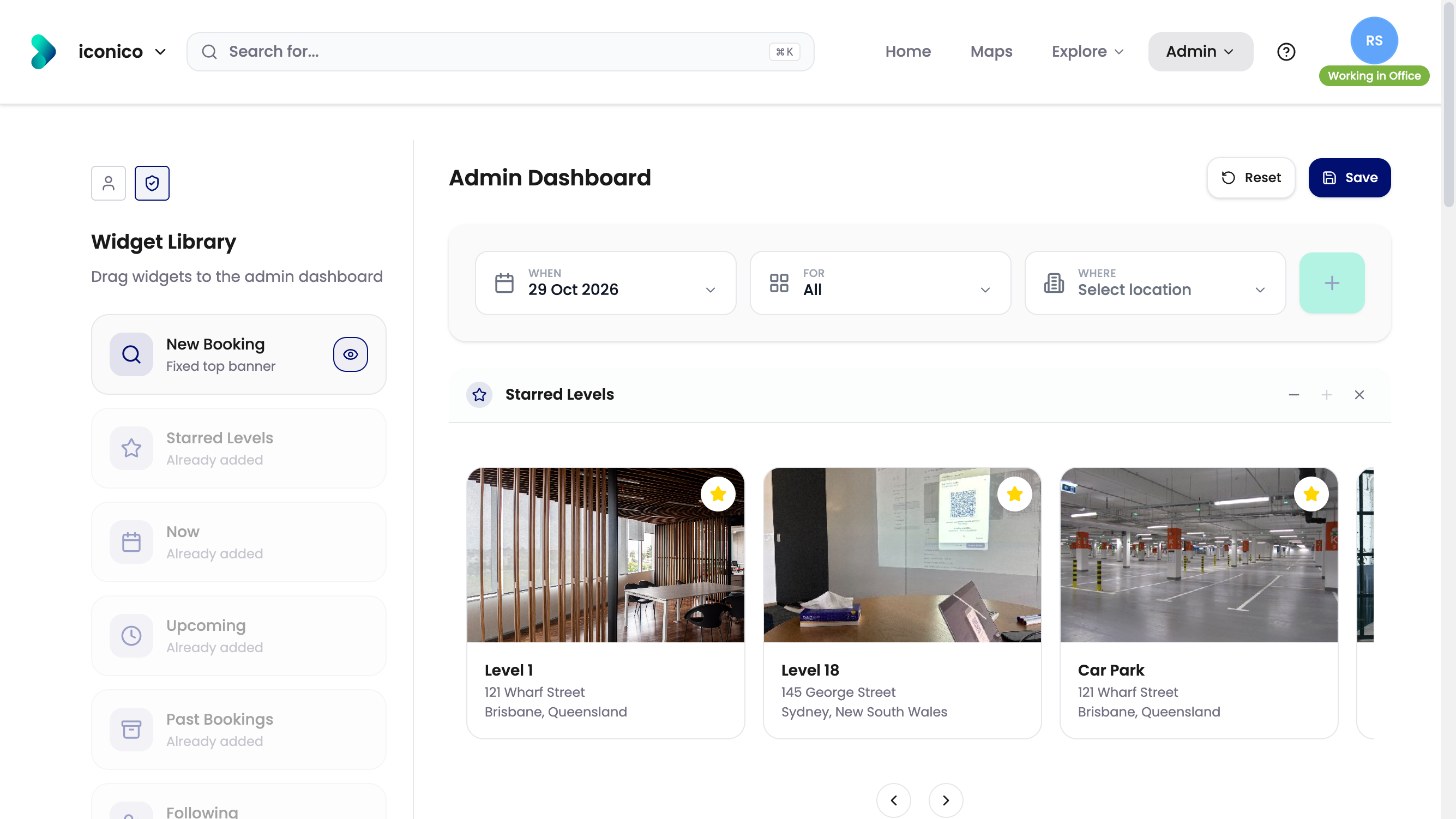
Change the layout
-
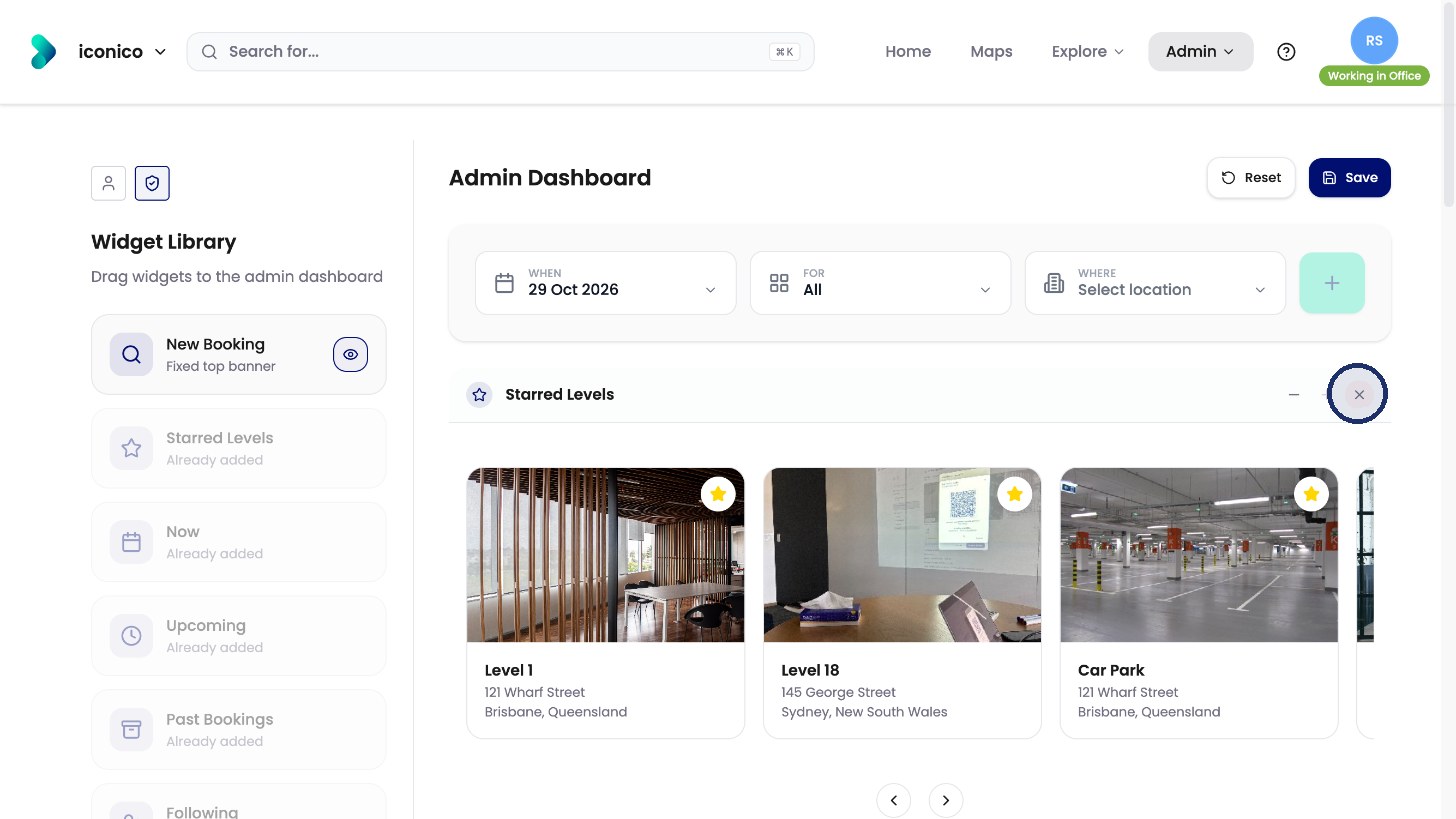
To remove a widget, click the X at its top right.
-
To add a widget, drag it from the library onto the layout.
-
To move a widget, drag it to a new spot.
Save or reset
Click Save to publish the layout to everyone.
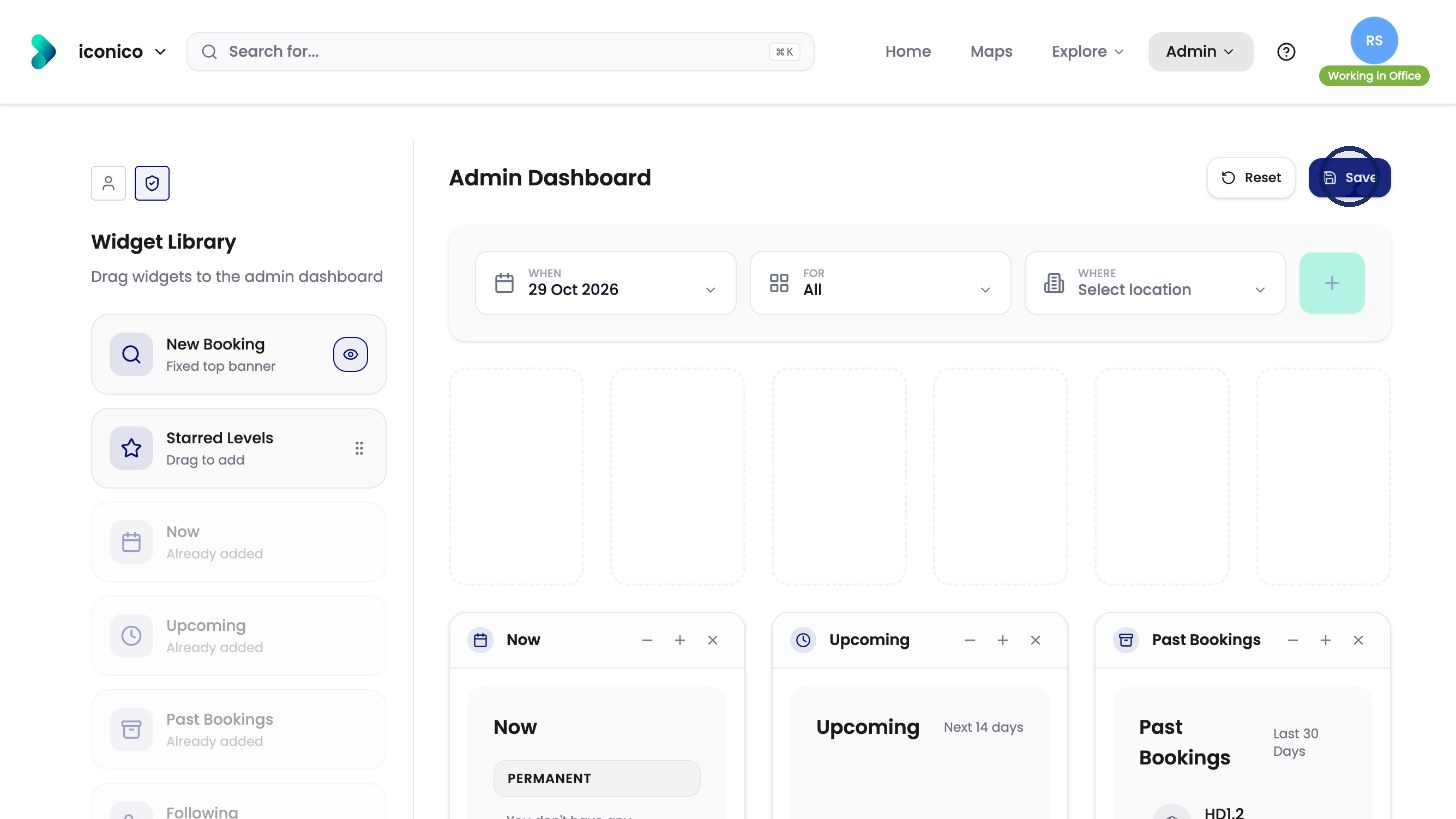
Reset puts the layout back to the default at any time.