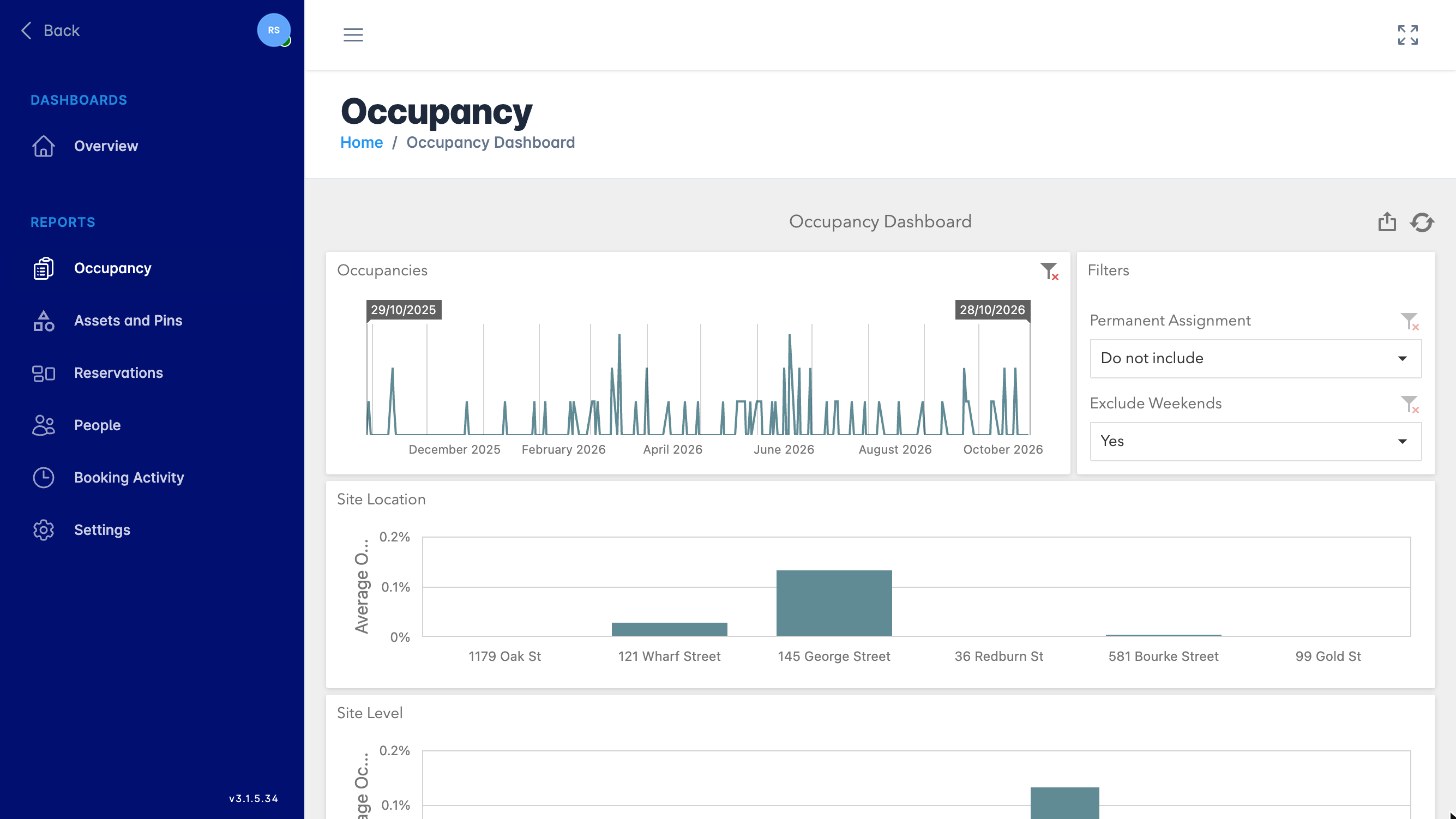
Want to know how your offices are being used? This article shows you how to open the reports and dashboards for occupancy and booking activity, filter them and export the results.
Open Reports
-
Click Admin in the top menu.
-
Click Reports.
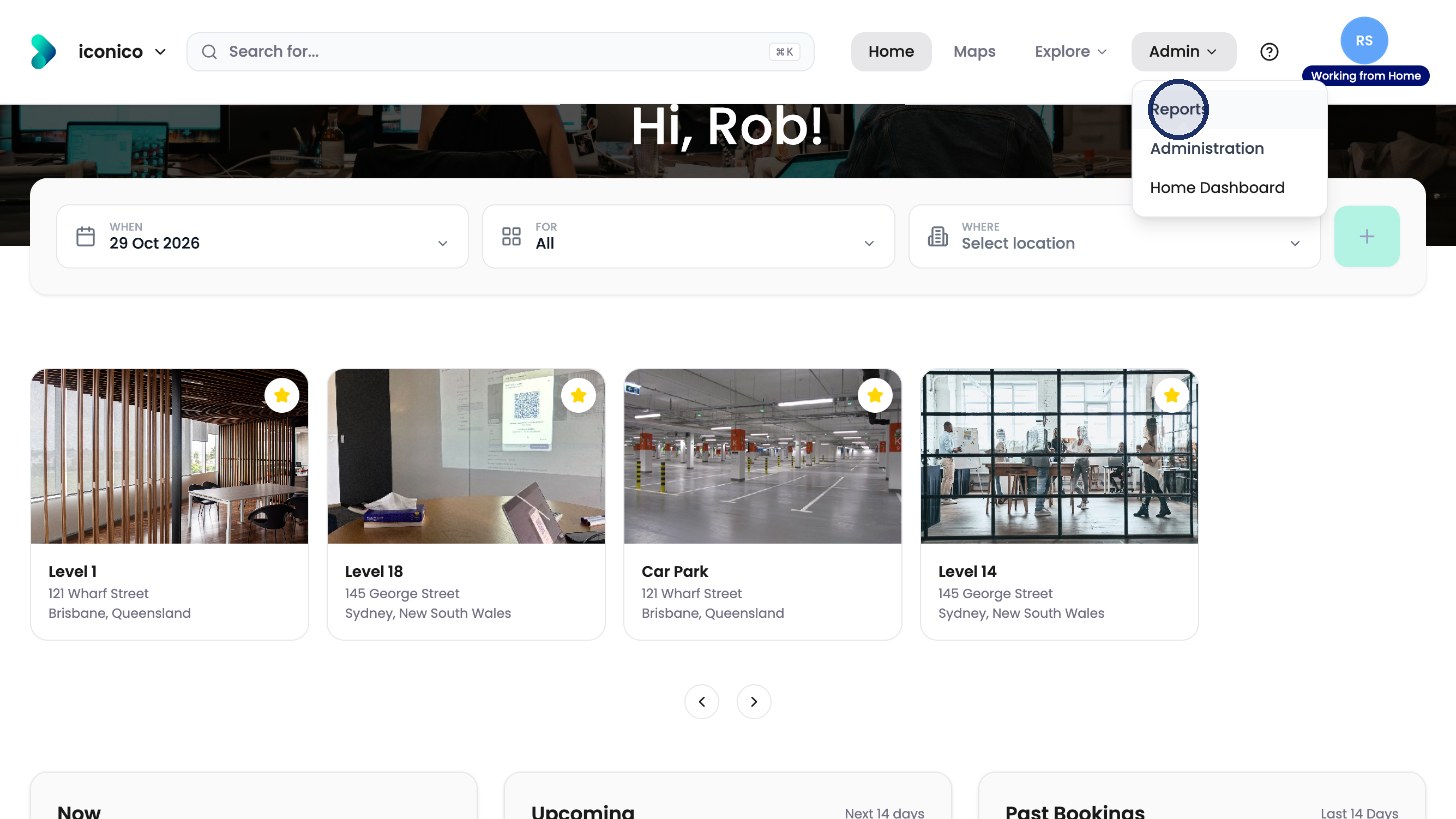
Click Admin, then Reports.
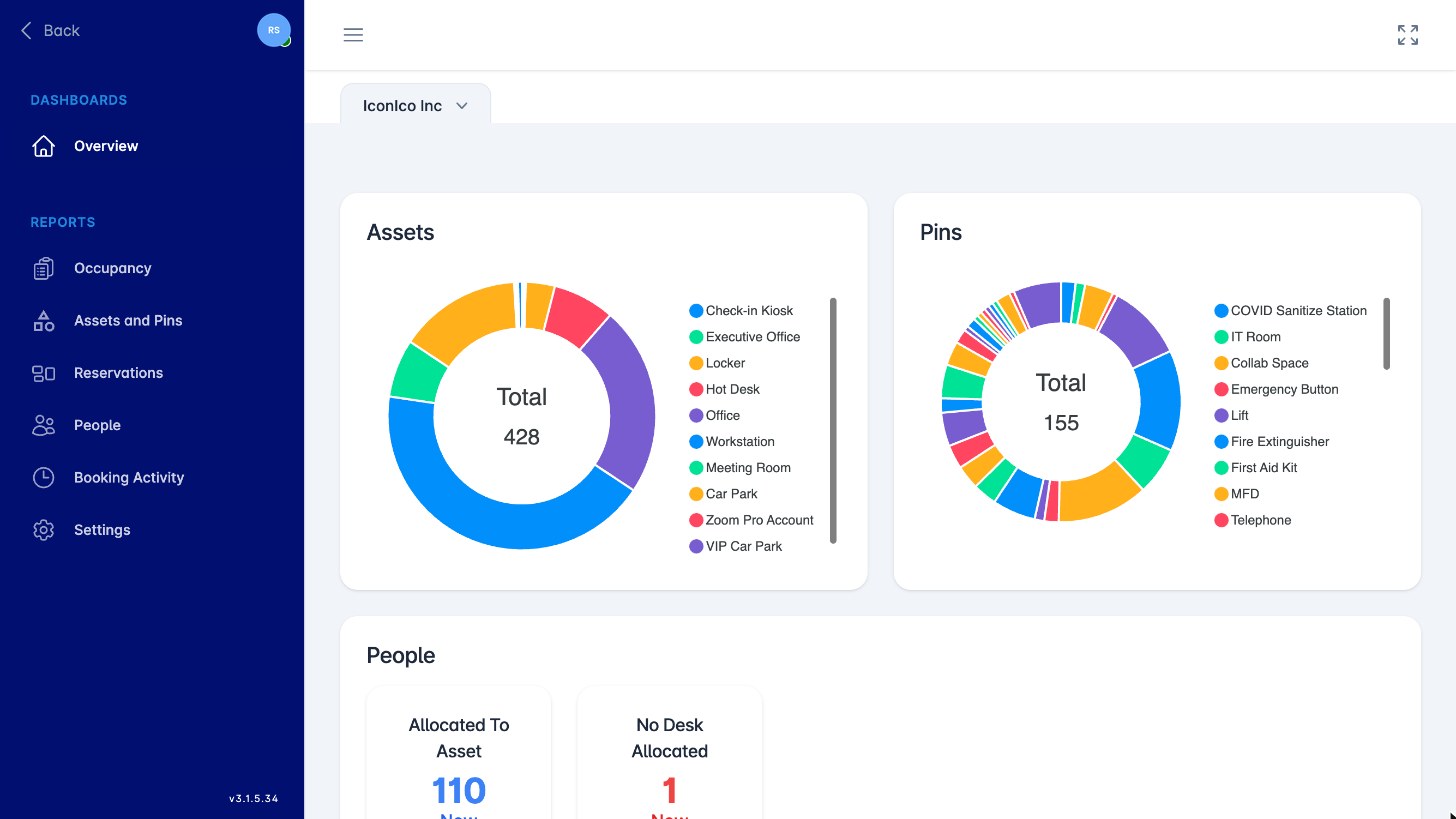
The Overview dashboard shows your assets, pins and people at a glance.
Open a report
-
On the left, choose a report group, such as Occupancy, Reservations or Booking Activity.
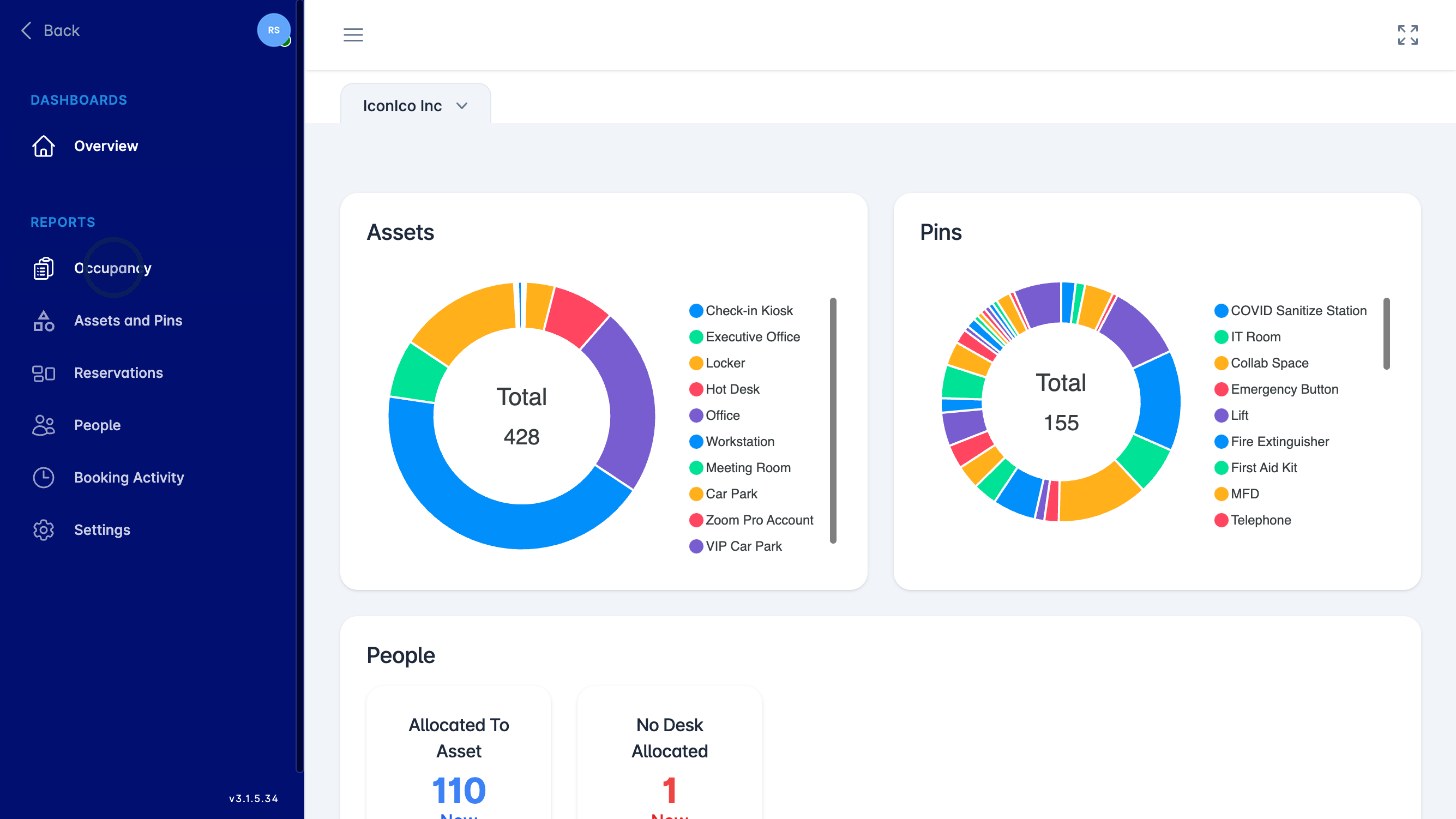
Choose a report group.
-
Click a report to see what it covers.
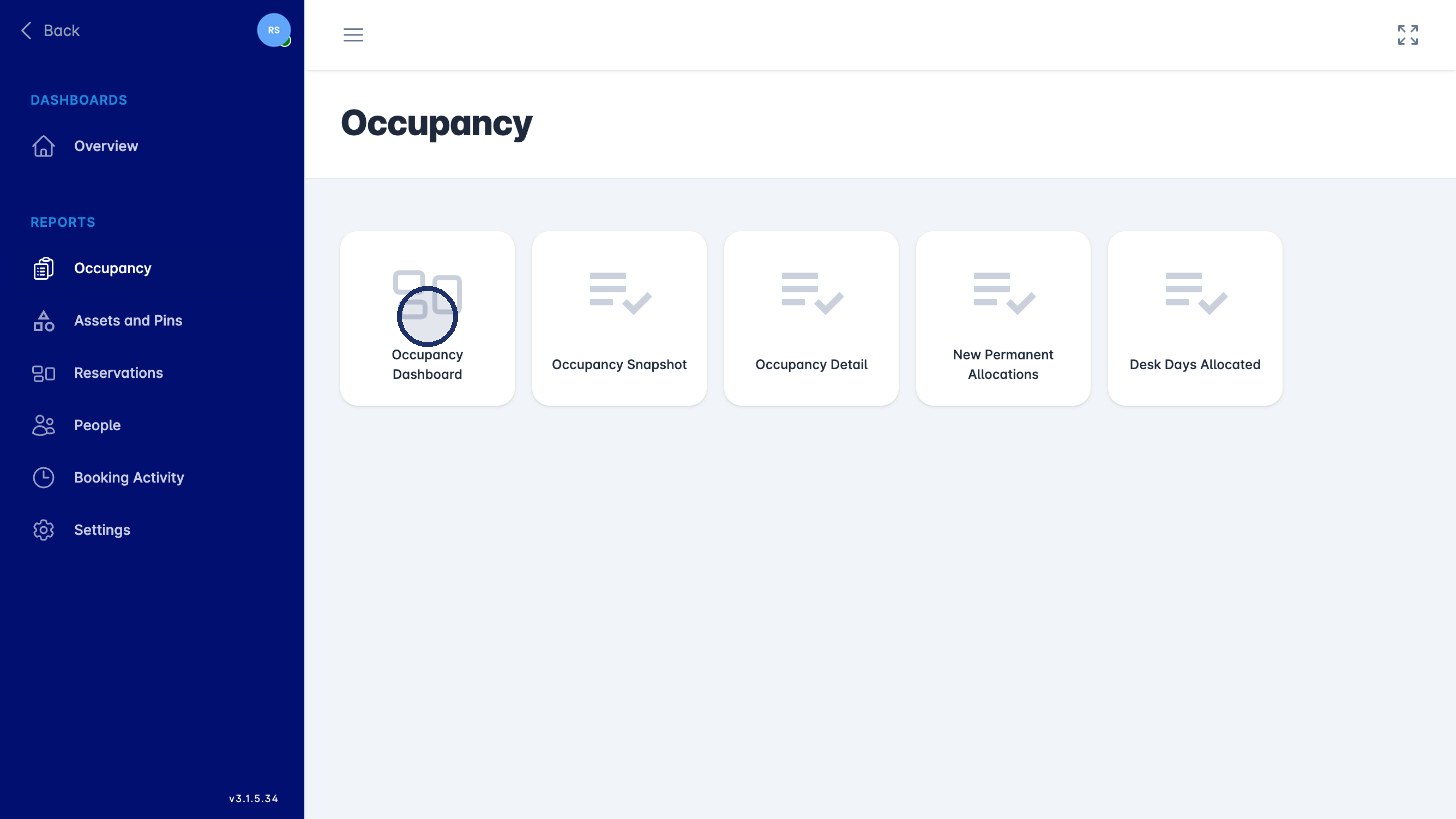
Click a report. -
Click Open.
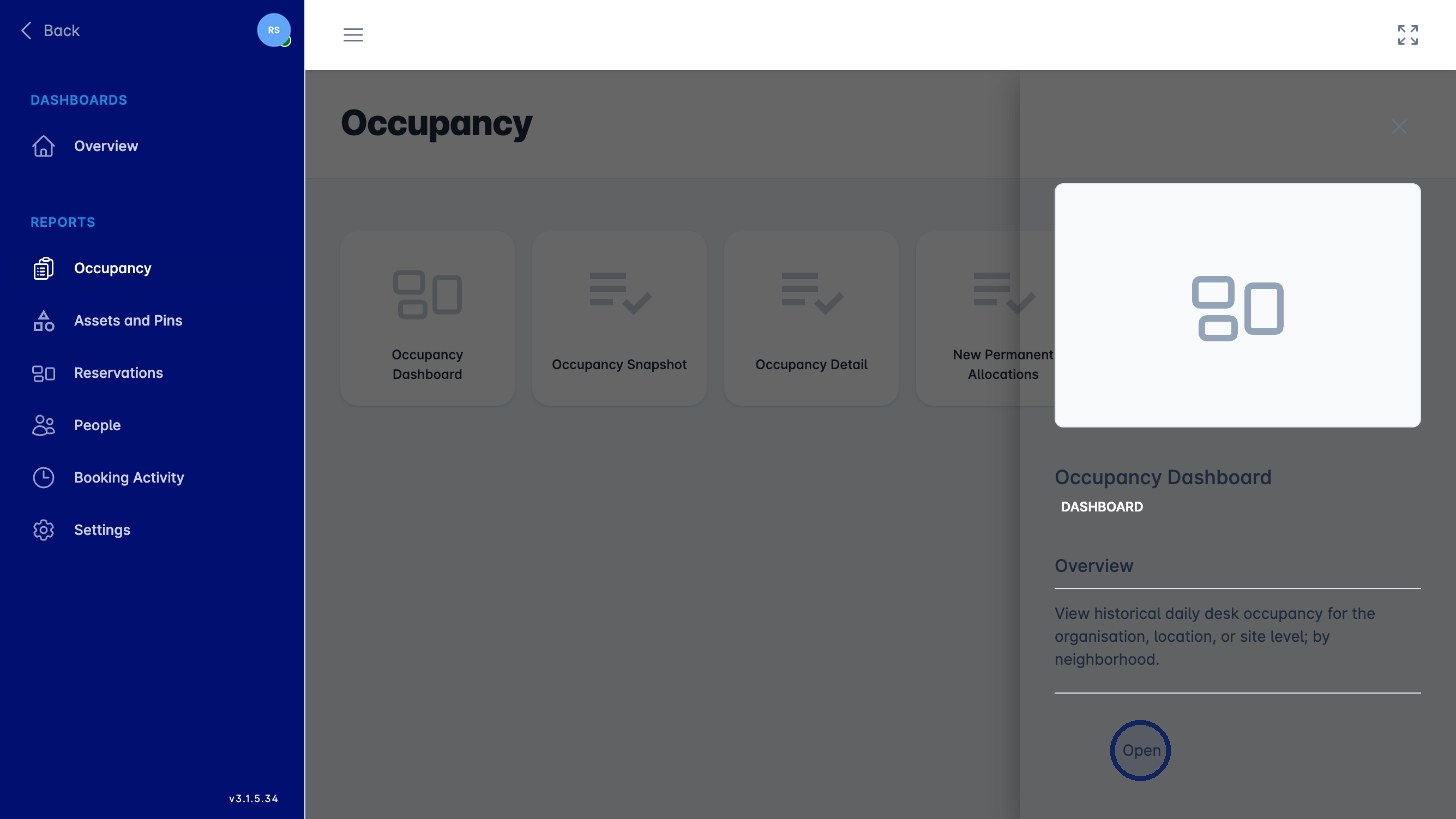
Click Open.
Use the filters on the right to narrow the report down, and the share button at the top right to export it.