
New to OfficeMaps and not sure what a location, asset, pin or neighbourhood is? This article explains the building blocks OfficeMaps uses, how they fit together, and how to name things so people can find them in search.
Locations
Locations are the physical places your organisation works from. They’re arranged in a location tree, from the widest area down to a single floor:
Country → Region → City → Office → Level
For example: Australia → Queensland → Brisbane → 121 Wharf Street → Level 1. People move through the tree from Maps.
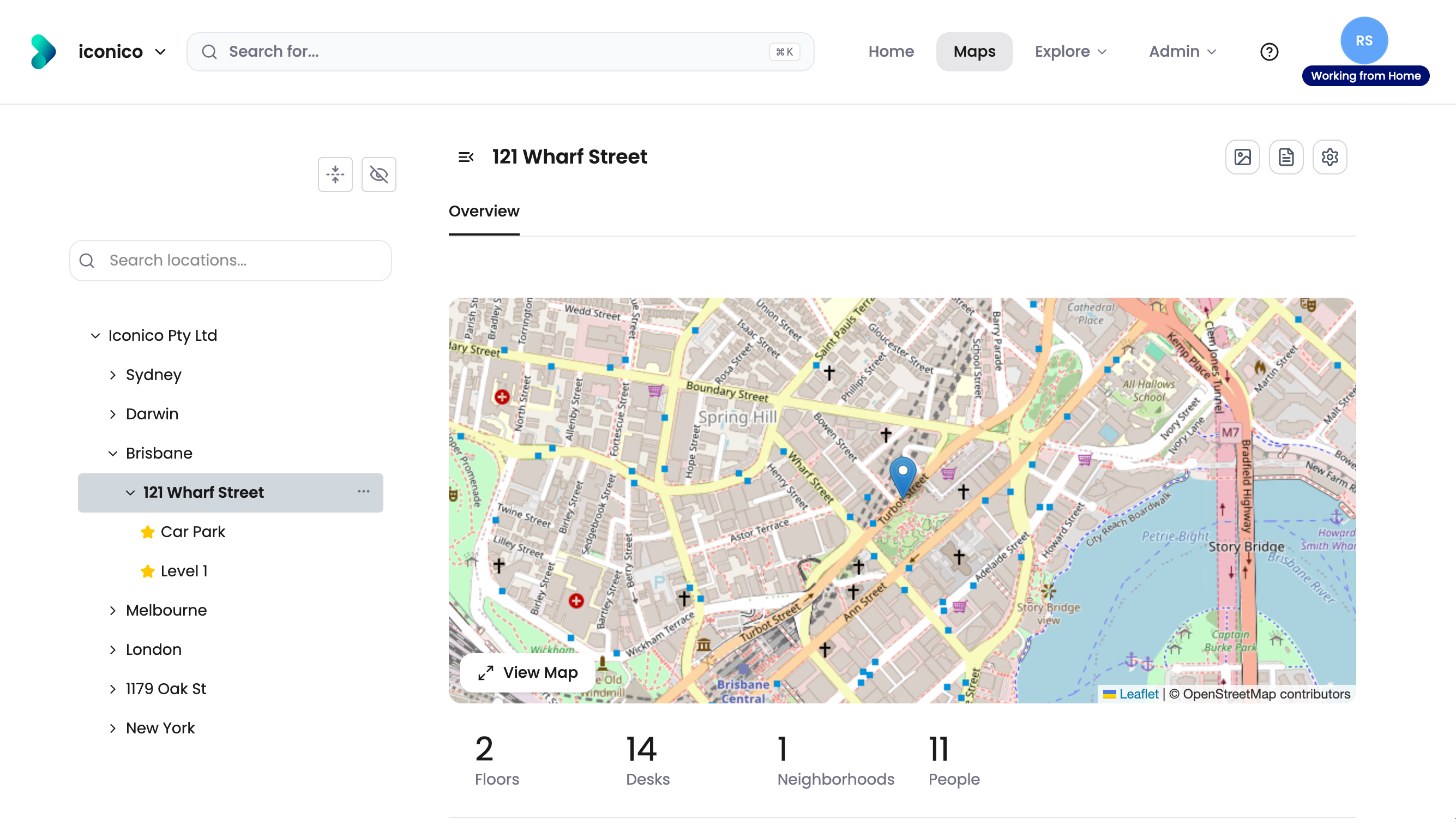
Each location has its own page with photos, information and alerts. Each level can also have a floorplan.
Floorplans
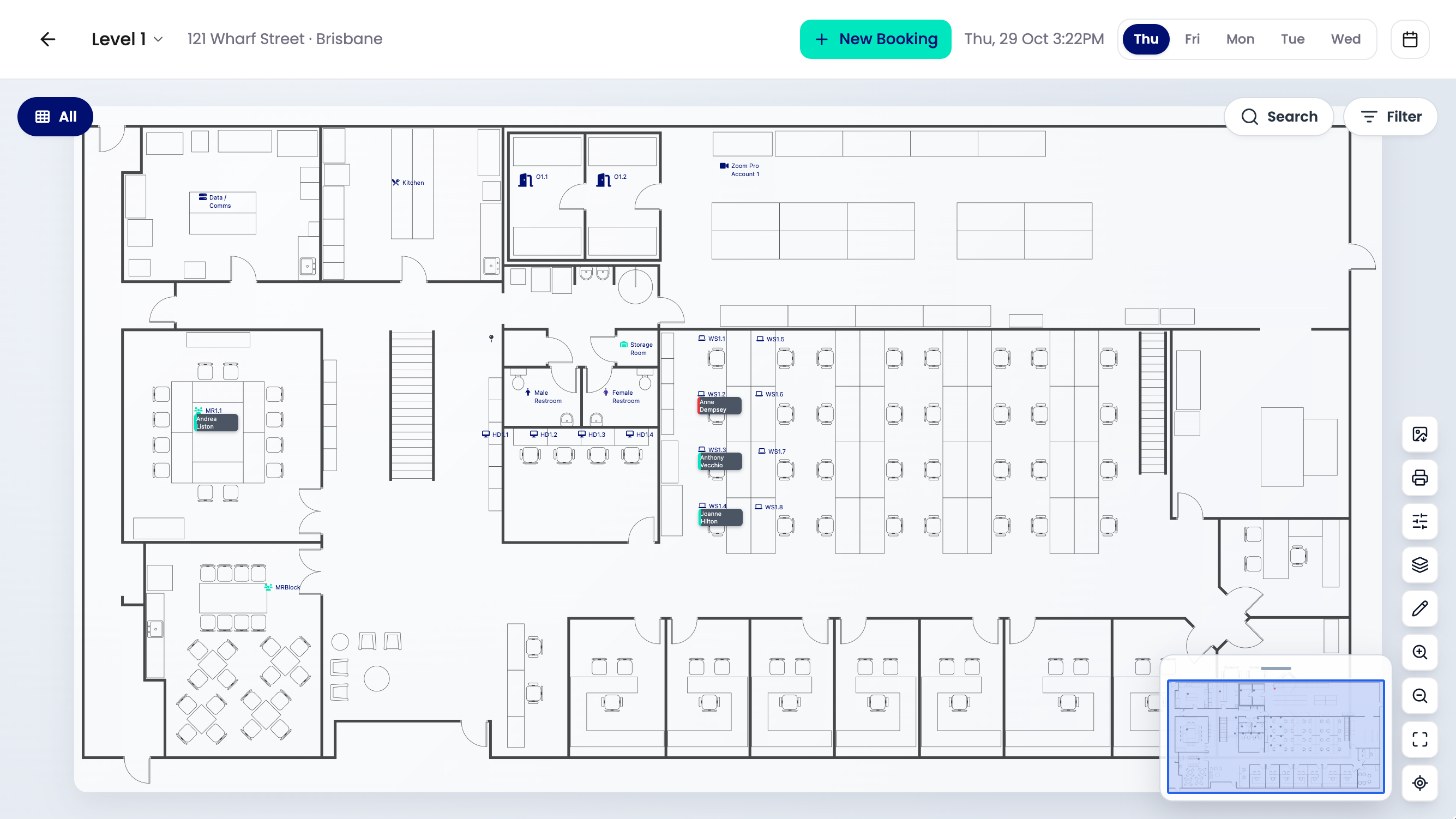
A floorplan (map) is the layout of one level. It shows the desks, rooms, pins and people on that floor, and it’s where people book.
People
People are everyone who works in your organisation, including employees, contractors and regular visitors who may have a desk. Each person has a profile that everyone can view. People can change their own status and workday plan. Administrators decide which profile fields exist and whether people can edit them.
Departments
Departments are the teams or groups in your organisation. They’re arranged in a department tree. A person can belong to one or more departments, and a department’s people can work across different locations.
Assets
Assets are things people can use or book. The most important asset is a desk. Other asset types can include meeting rooms, car parks, cars or pool laptops. Assets can be allocated to a person permanently, or booked for a day.
Pins
Pins mark useful things on the map that can’t be allocated to a person, such as fire exits, first aid kits, kitchens and printers.
Neighbourhoods
A neighbourhood is a group of desks or other assets on a level that’s set aside for one or more departments.
Statuses
Statuses show where people are working, for example Working in Office, Working from Home or On Vacation. Administrators can change the list of statuses to suit your organisation.
Bookings and allocations
-
A booking (reservation) reserves an asset, such as a hot desk, for a day. People can check in when they arrive.
-
An allocation gives a person an asset permanently, such as their own desk.
Name things so people can find them
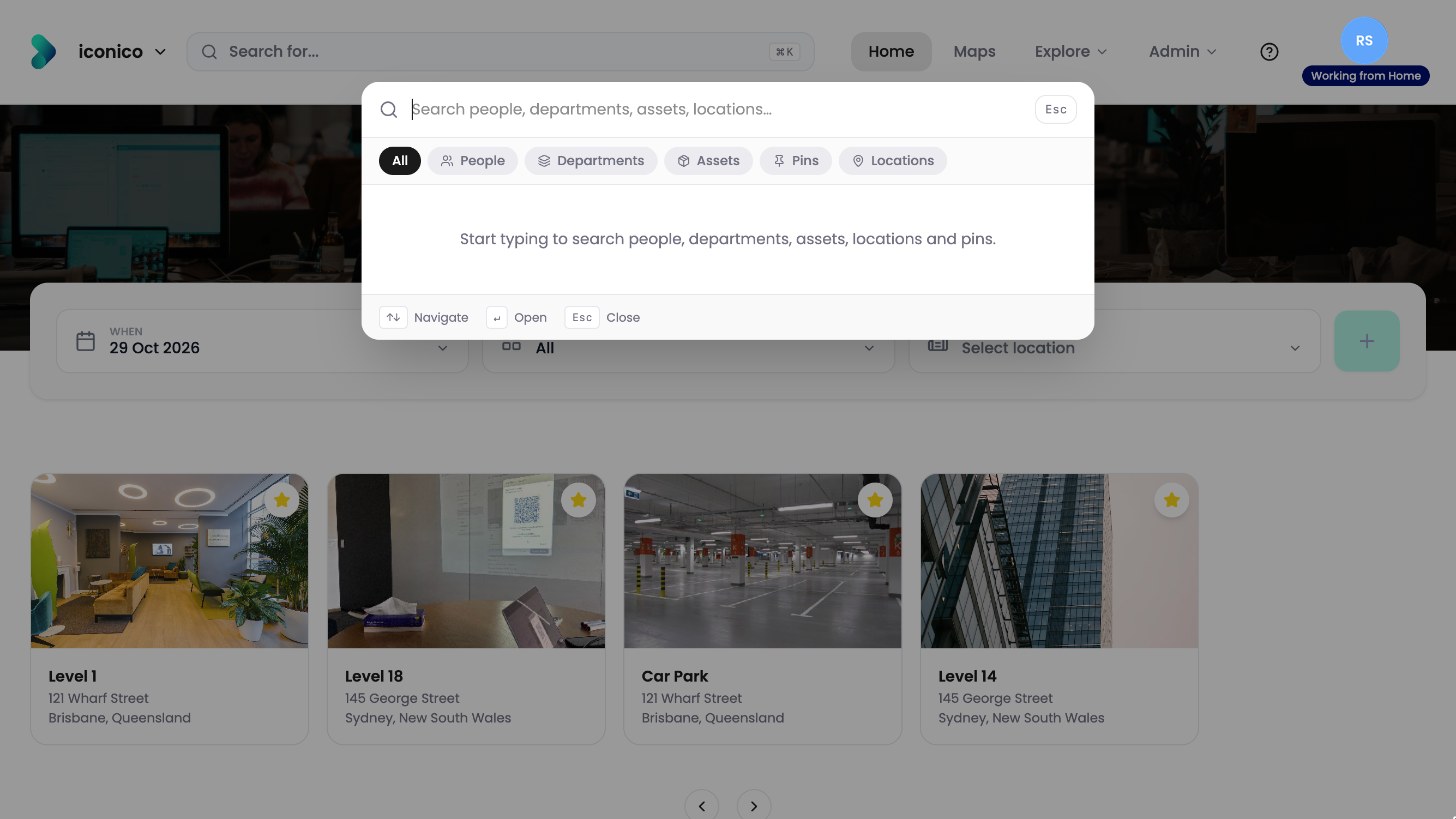
Search finds people, desks, pins and locations by name, so consistent names make a big difference.
-
Use the words your people already use. For example, put “Meeting Room” in the name of every meeting room, so searching “meeting room” lists them all.
-
Use the same pattern for every desk on a level, so desk numbers are easy to recognise and search.
-
Apply the same idea to pins, for example “First Aid Kit” for every first aid kit.
Next step
To set up OfficeMaps in order, see How do I set up OfficeMaps?