
Not sure where to begin with your trial? This 15-minute tour uses the sample company to show you what OfficeMaps does, first as an employee and then as an administrator.
As an employee (8 minutes)
-
Look around Home. Click Home at the top. You’ll see the booking bar, your bookings and the people you follow. What's on the Home screen?
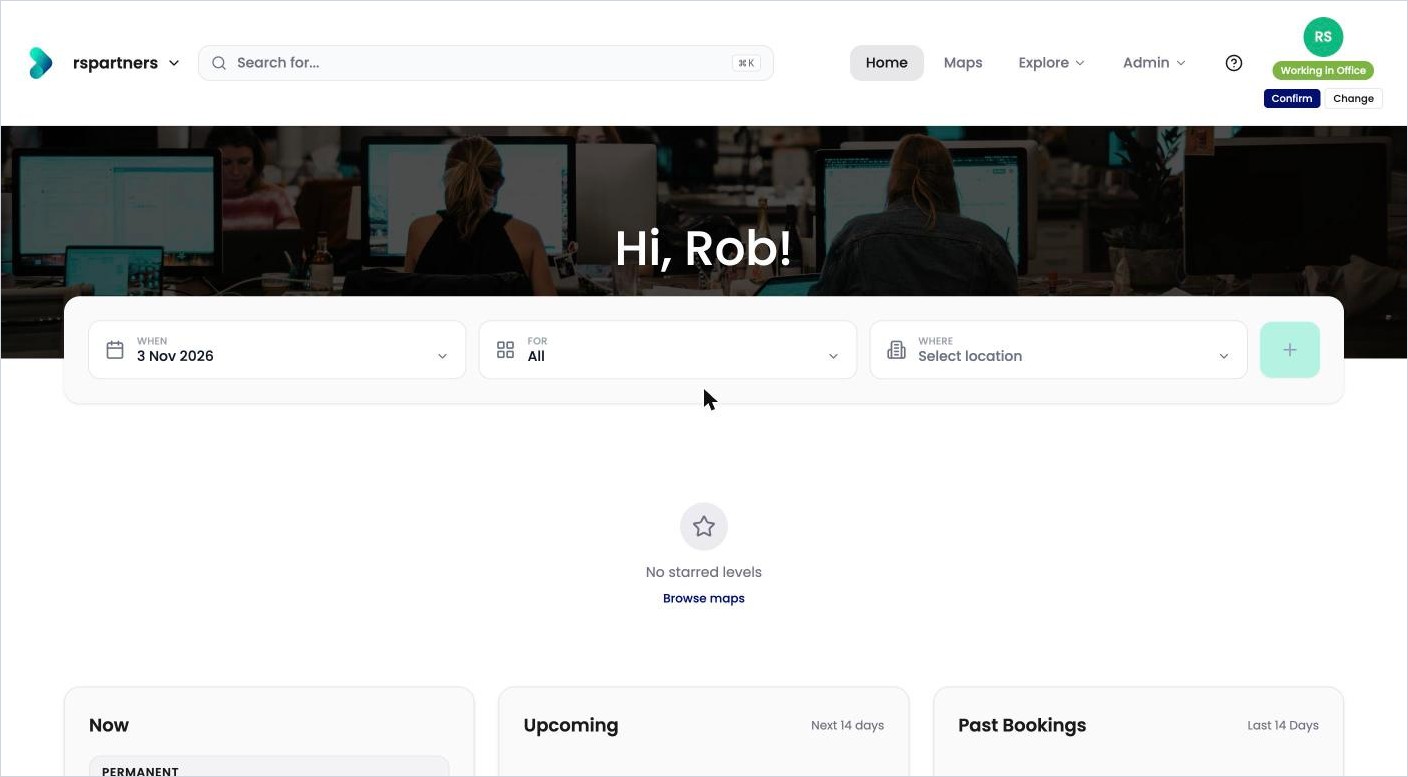
Home, with the booking bar at the top. -
Open a floor. Click Maps, then Australia › New South Wales › Sydney › 145 George Street › Level 14. Click View Map. How do I use the floorplan?
-
Find a colleague. Click Search for… and type Catherine. Click her name to see her profile, status and where she sits. How do I find a person, desk or location?
-
Book a desk. Go back to Home. Under the greeting, click When and choose tomorrow, leave For set to All, then click Where and choose 145 George Street, Level 18. Click +, click Select on a free desk and click Confirm booking. Scroll down on Home: your booking is under Upcoming. How do I book a desk?
-
Set your status. Click your profile picture, then Set Status, and choose Working from Home. How do I set my status and workday plan?
As an administrator (7 minutes)
-
Add a desk. On a floorplan, click the pencil to switch to edit mode. Click Asset types and drag a Hot Desk onto the map. How do I add desks and pins to the map?
-
Seat someone. Still in edit mode, click People and drag a person onto the new desk. How do I seat someone at a desk on the map?
-
Post a notice. Open Level 14’s page, click the cog and add a location alert, such as a fire drill. How do I post an alert on a level?
-
Check a booking rule. Click Admin › Administration › Allocations and see how far ahead people can book. How do I change the booking rules?
-
See the numbers. Open Level 14’s page and click Dashboard. What do the dashboard figures mean?
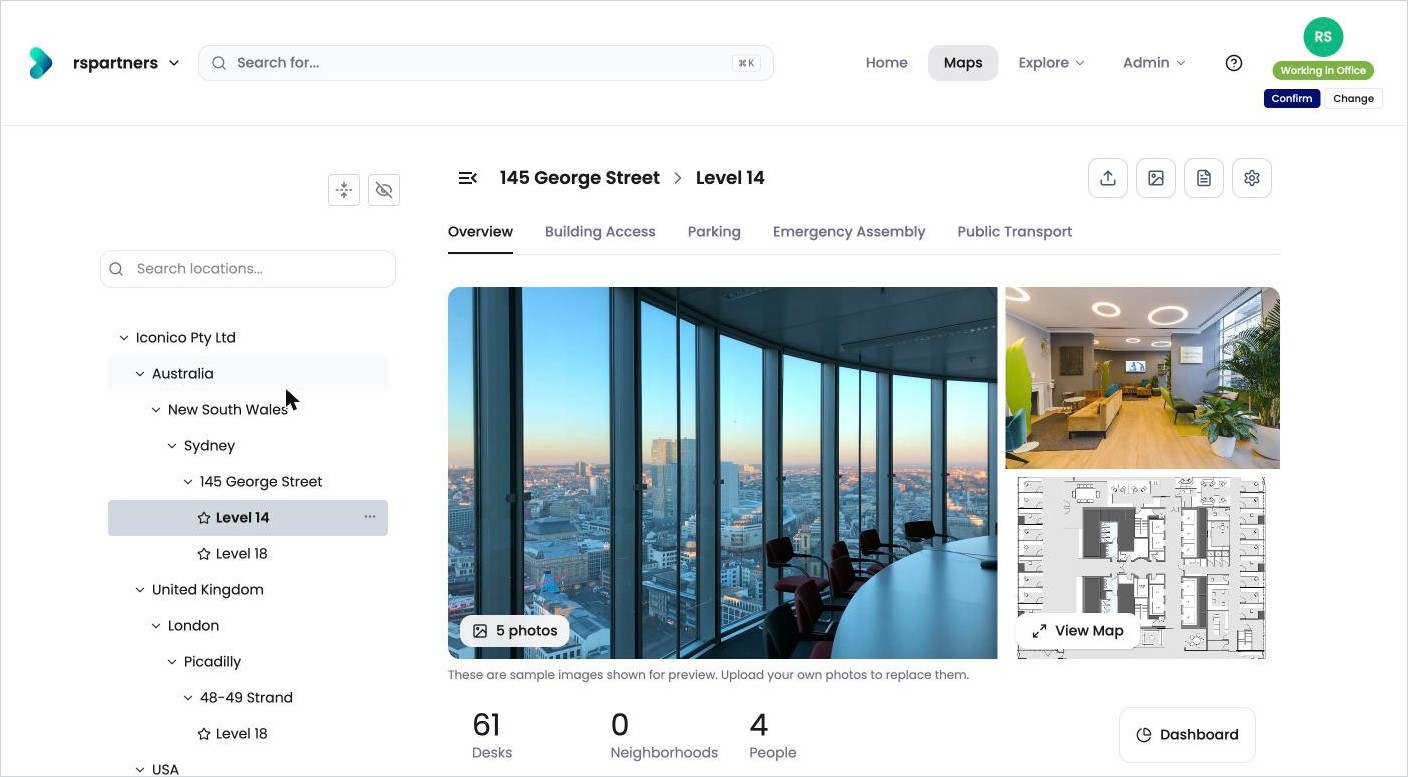
A level page, with the Dashboard button at the bottom right.
Next step
When you’ve seen enough, start making the trial your own. See How do I replace the sample data with my own?